

Hasselblad V System · instax SQUARE Back
HVSQ
Square instant photography for a classic Hasselblad.
Native focal plane
instax SQUARE
Motorized ejection
01 · A familiar camera, a new photograph
A familiar camera.
A new kind of photograph.
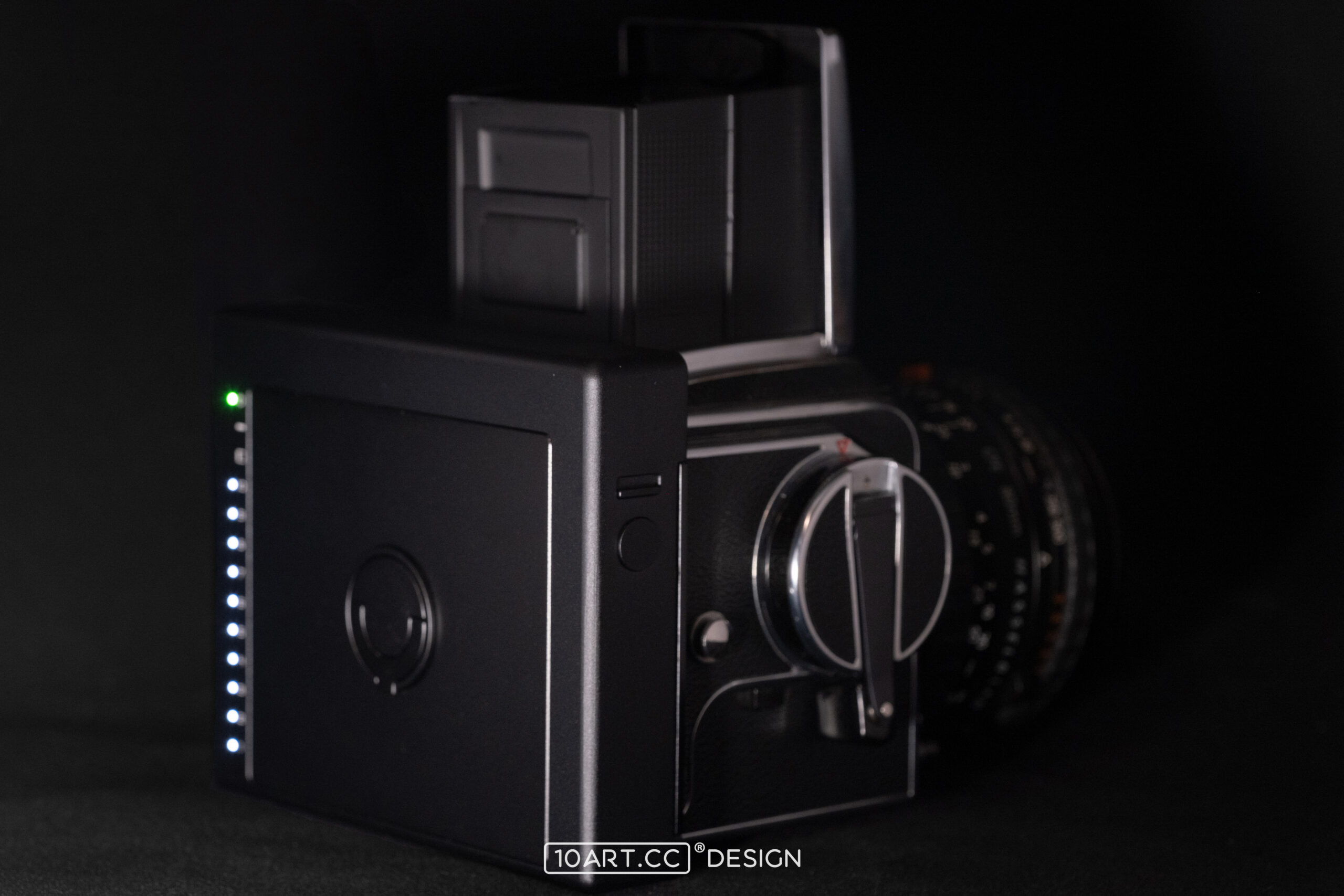
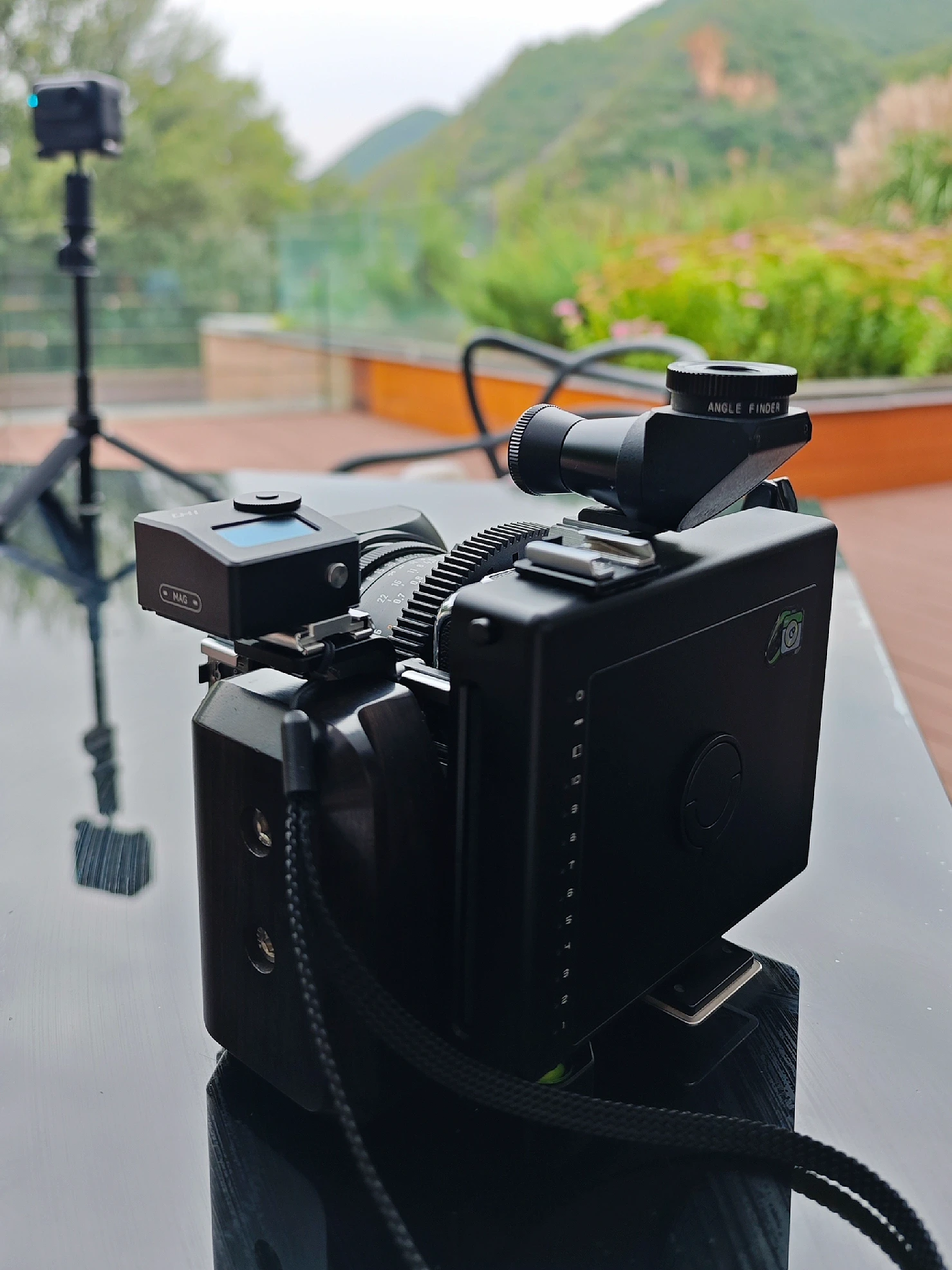
Keep the body, lenses and viewfinder you know. HVSQ replaces the film back to bring Fujifilm instax SQUARE film to your Hasselblad. The camera makes the exposure; the back holds the film and ejects the print. The result is a photograph you can hold, share and keep.
Your camera and lens
HVSQ back
instax SQUARE film
02 · Native focal plane
The way you focus.
Still yours to use.
HVSQ positions the instax film at the camera’s original focal plane. Focus through the camera’s viewfinder, then make the exposure using the lenses and focusing method you know. Moving from a roll-film back to square instant film keeps you in control of the image.
Focus through the viewfinder
Frame and focus using the camera’s original viewing system.
A different kind of film
Connect your Hasselblad to instax SQUARE and make a physical square print.
03 · Form follows the camera
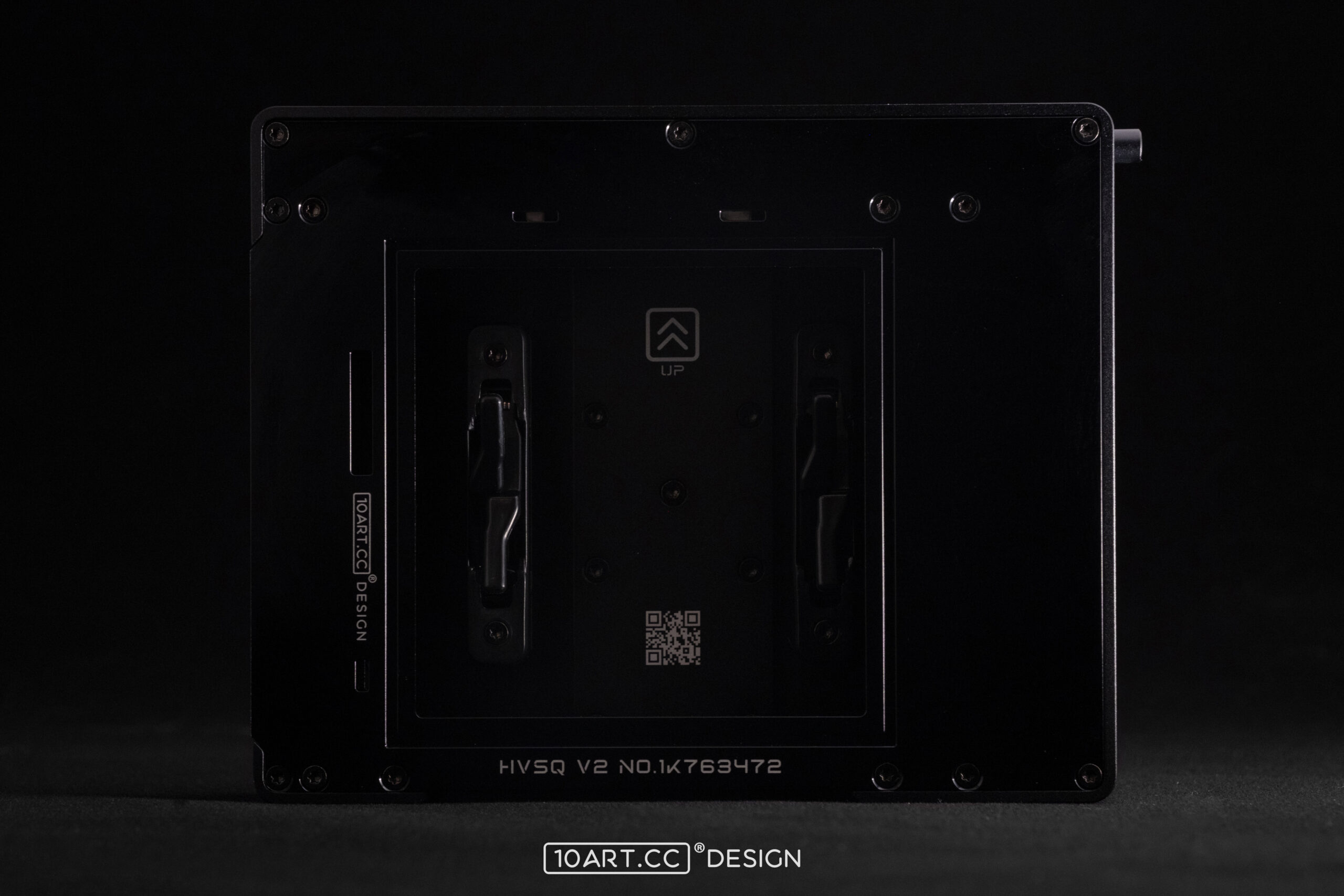
A flush mounting plane.
A compact combination.
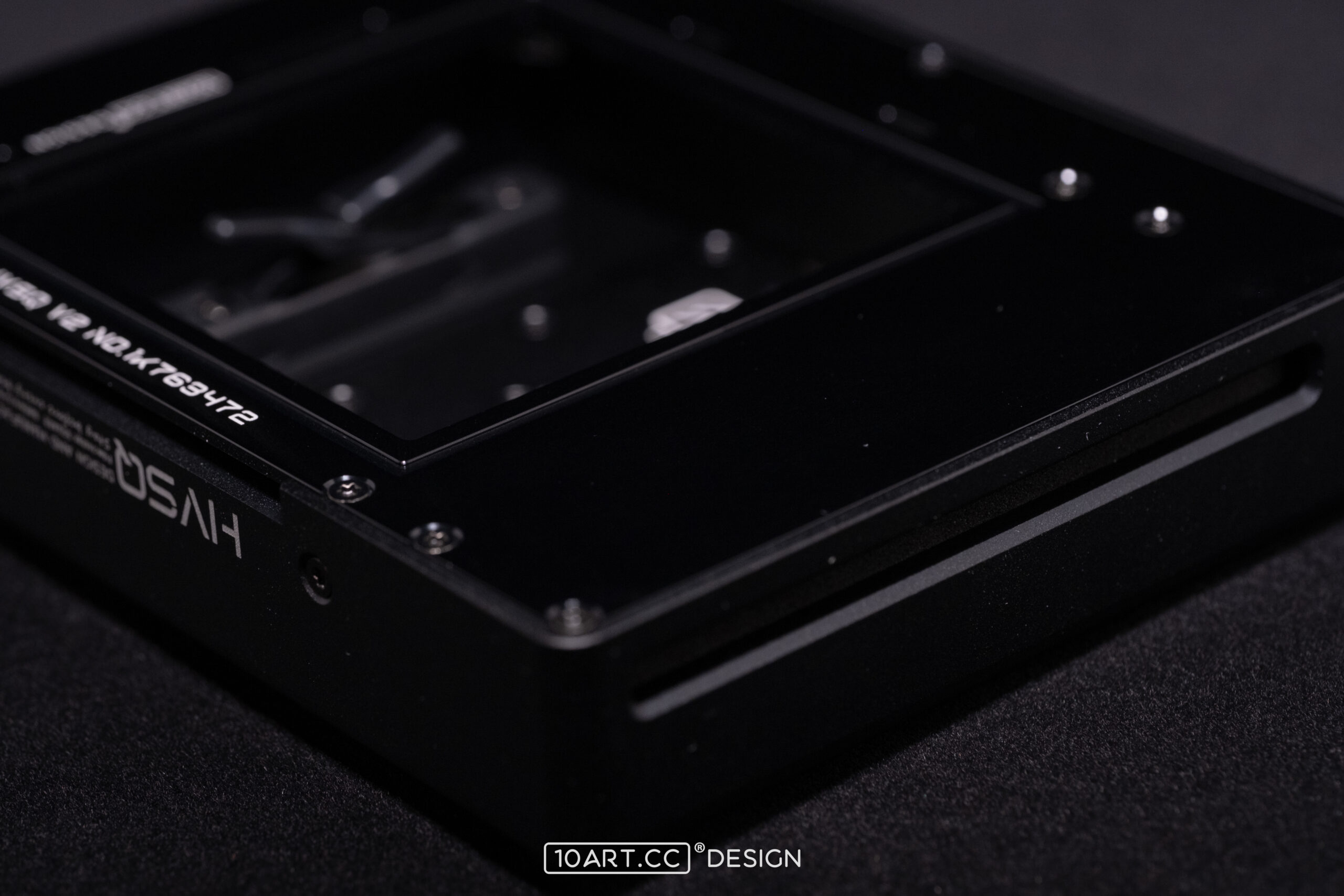
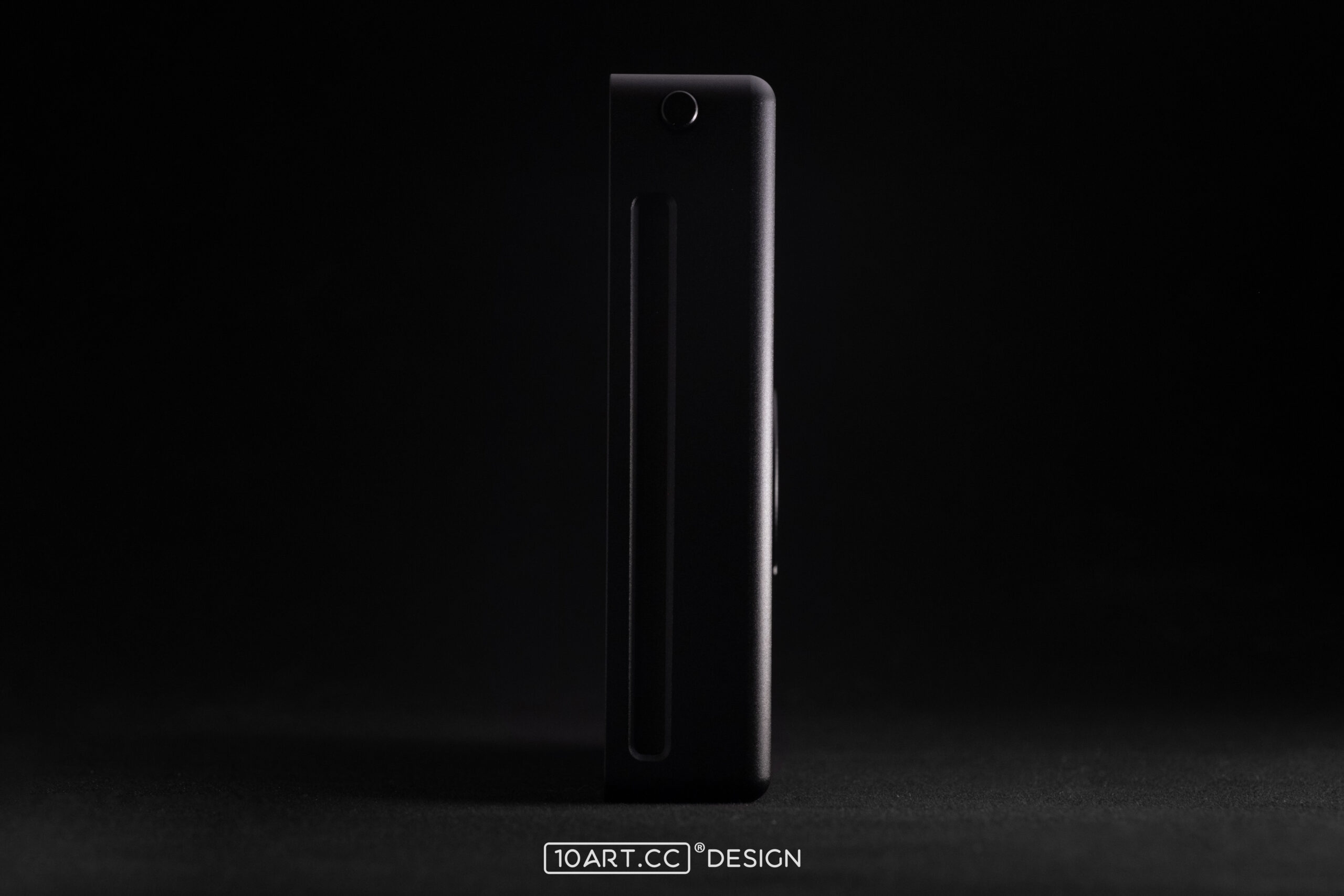
Every surface is shaped around the connection to the camera. The lower mounting slot works with the locking mechanism to secure the back to the body. A flat mating surface and a compact side profile keep the complete setup clean and cohesive.
04 · Start with a pack of film
Open the back.
Get ready for the next pack.
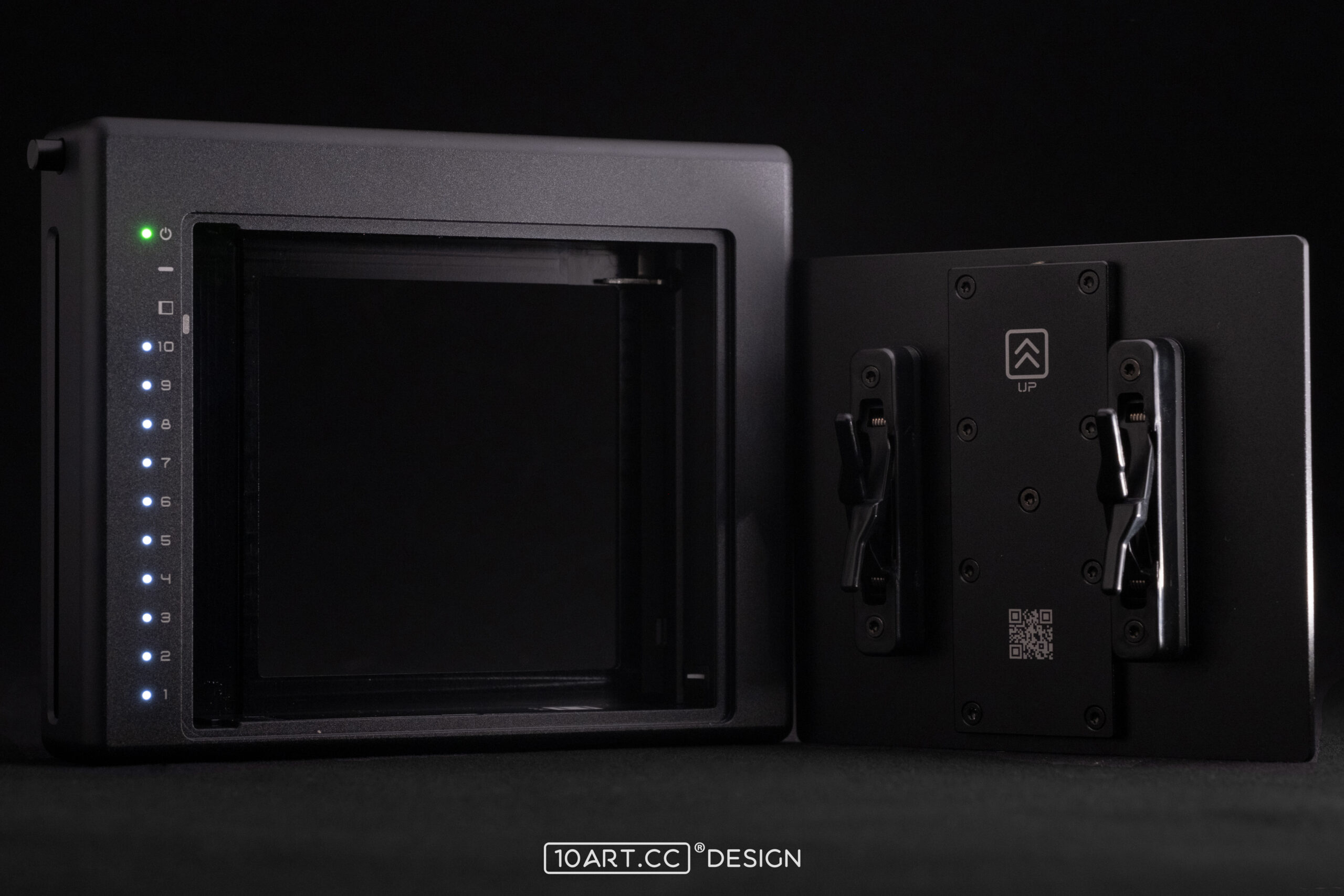
Lift the handle, turn it to release the rear cover and place an instax SQUARE pack in the chamber. Close the cover correctly, then follow the instructions to eject the protective dark cover and finish loading. A few simple steps prepare the next pack for photographs.
Open the rear cover
Lift the handle, turn it counterclockwise and lift off the cover.
Load the film
Use an instax SQUARE film pack and insert it in the specified position.
Finish loading
Close the chamber correctly and follow the manual to eject the protective dark cover.
05 · Between photographs
Between photographs.
Ready for a change.
Insert the dark slide before removing the back as instructed to protect the unexposed film inside. Remove the slide again before taking a photograph. The updated pull ring makes it easier to grip and withdraw, while reducing accidental contact with nearby controls.
Remove the dark slide before ejecting a print. See the instruction manual for the complete procedure for changing backs and shooting.
06 · From exposure to photograph
Press to eject.
A photograph in your hands.
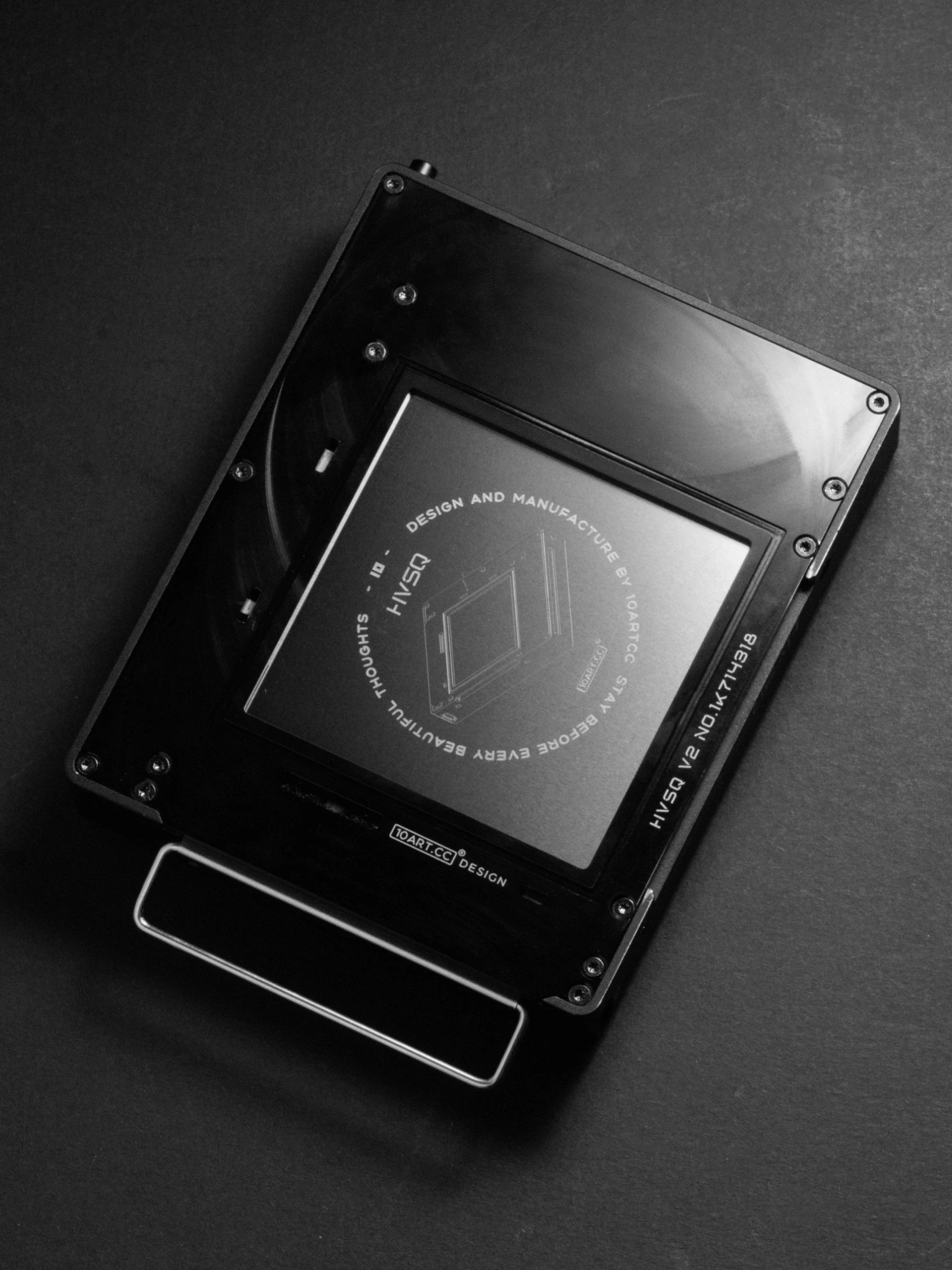
The camera shutter makes the exposure; the button on the back ejects the print. After taking a photograph, press HVSQ’s eject button and the motorized mechanism feeds it out. Watch the image develop, from a composition in the viewfinder to a real photograph in your hand.
Make the exposure
Compose, focus and release the shutter on the camera.
Press to eject
Press the eject button on the back and let the print feed out completely.
Let the image develop
Watch the image appear and keep the photograph.
07 · Information at a glance
Your status, at a glance.
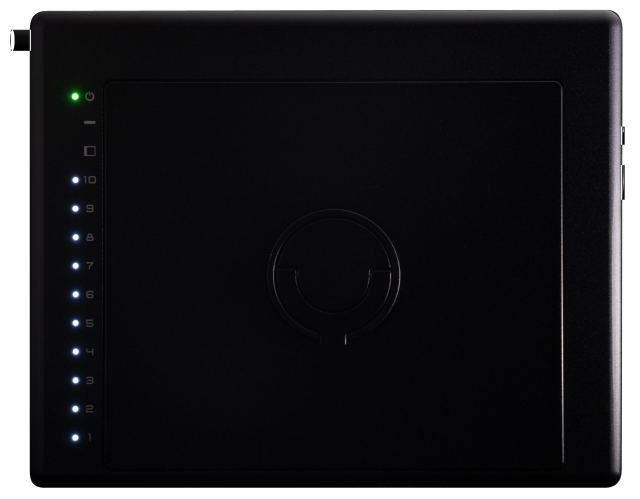
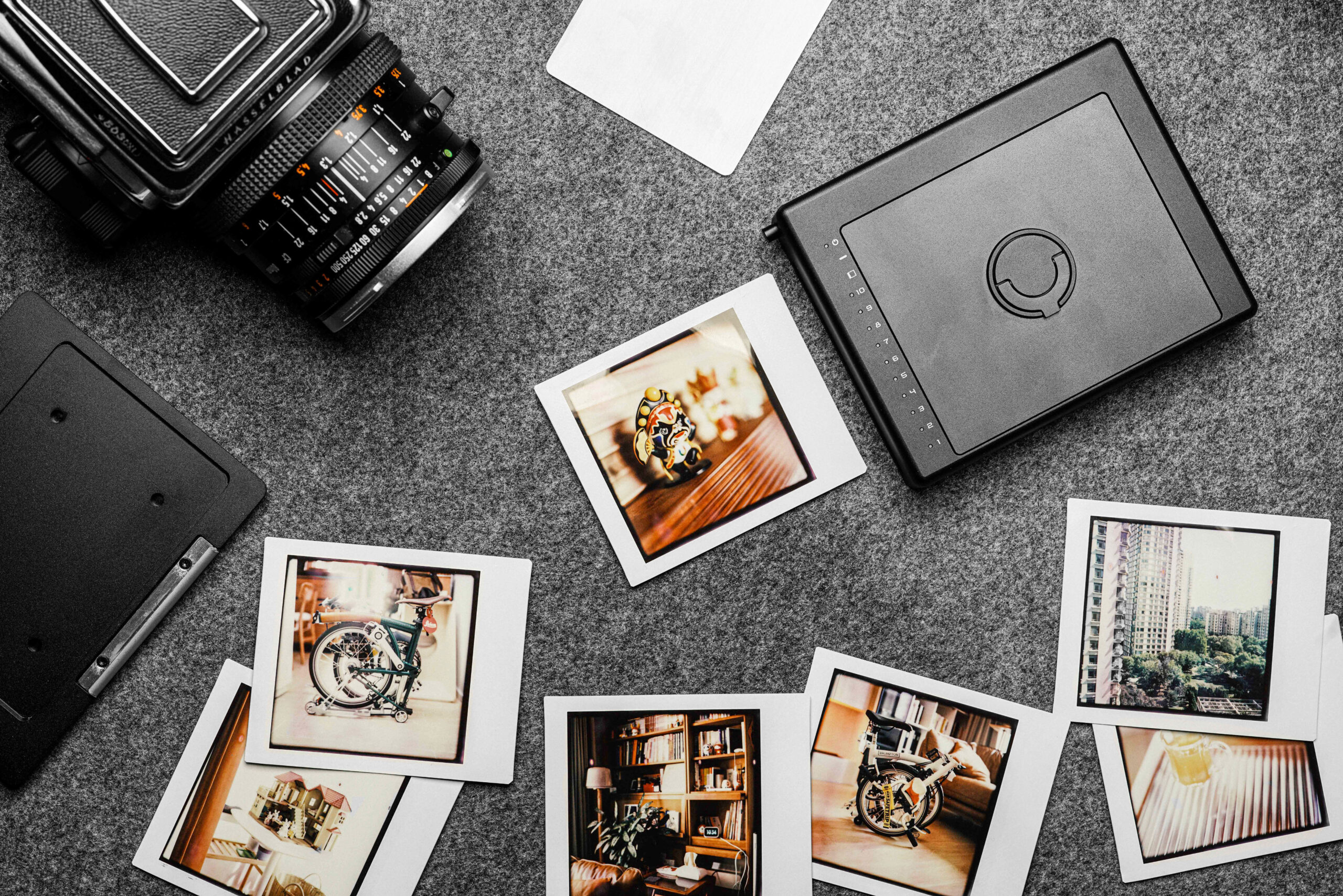
From the illuminated indicators to the controls along the side, HVSQ keeps essential shooting information on the back itself. The remaining-frame display, switches and power connection are part of both its design and its everyday operation.
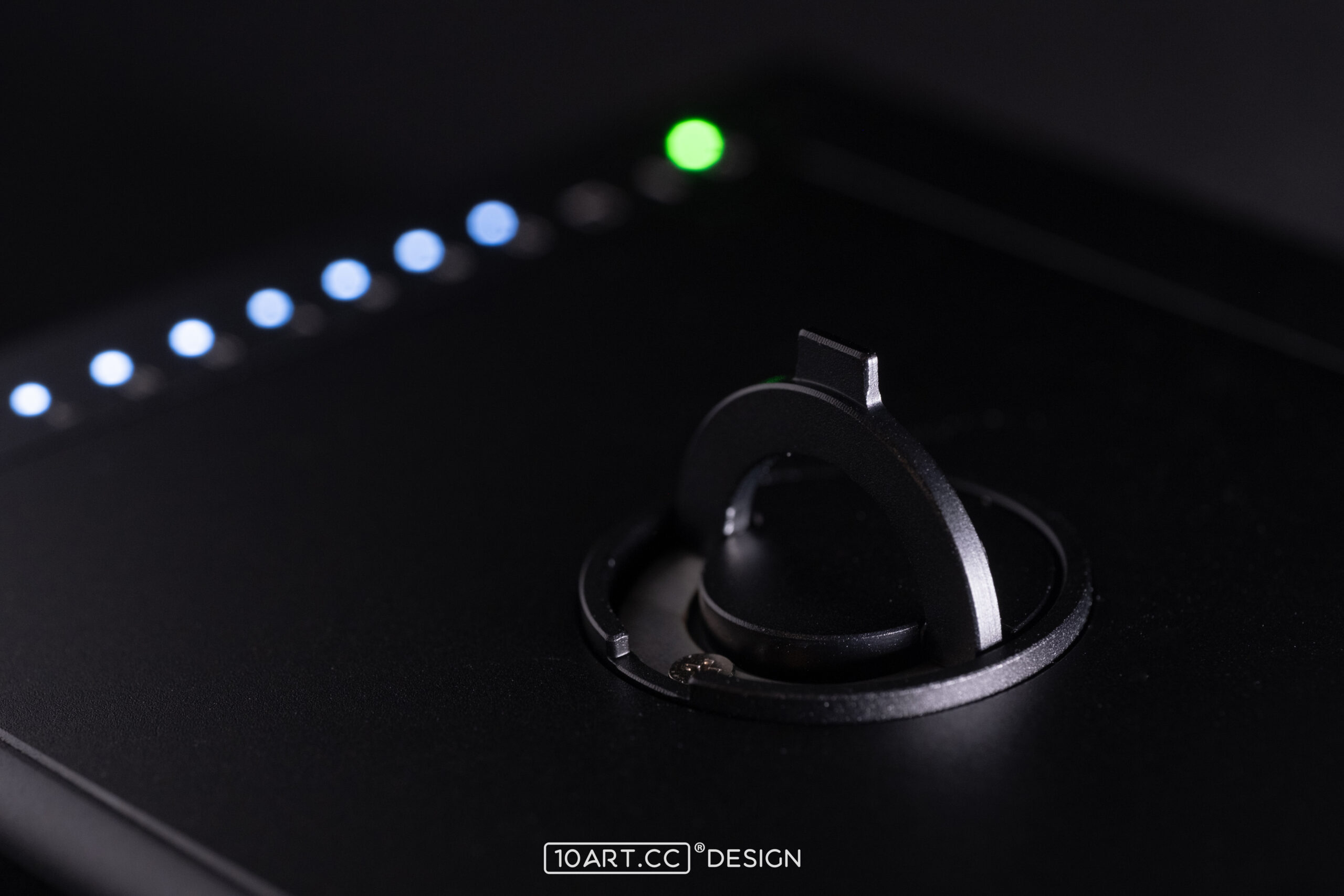
Power and remaining frames
LEDs indicate power status and the number of exposures remaining, so you can check the back between photographs.
Controls within reach
The power switch and eject button have separate roles. After exposing the film with the camera, eject the print using the control on the side of the back.
Built-in battery and USB-C
Ver.2.1 has a built-in 650mAh rechargeable battery and charges from a 5V power source through USB-C. Follow the instructions for your version, as earlier power systems differ.
08 · Design, assembly, testing
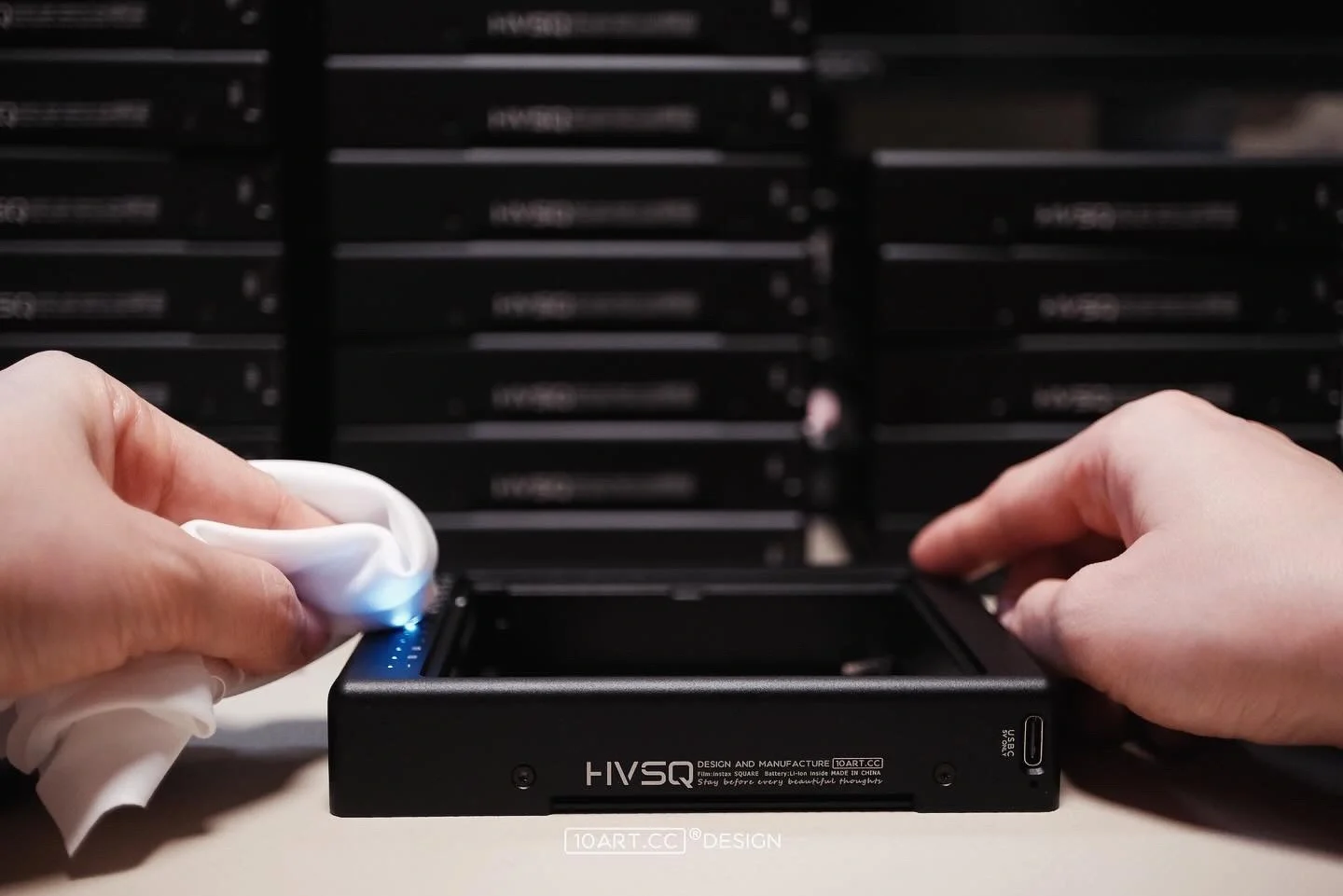
Considered on the outside.
Considered within.
A back brings structural, mechanical and electronic components together. HVSQ went through successive refinements, documented in assembly and testing records. Those records show the checks made before delivery, including the details hidden inside the enclosure.

09 · A familiar system
On a familiar body.
Keep photographing.
Photographers have used HVSQ with a range of Hasselblad bodies. The product documentation lists combinations from the 500 and 200 series, motor-driven bodies, later SWC models and FlexBody. Check the full support list for the requirements of each body, viewfinder and accessory combination.
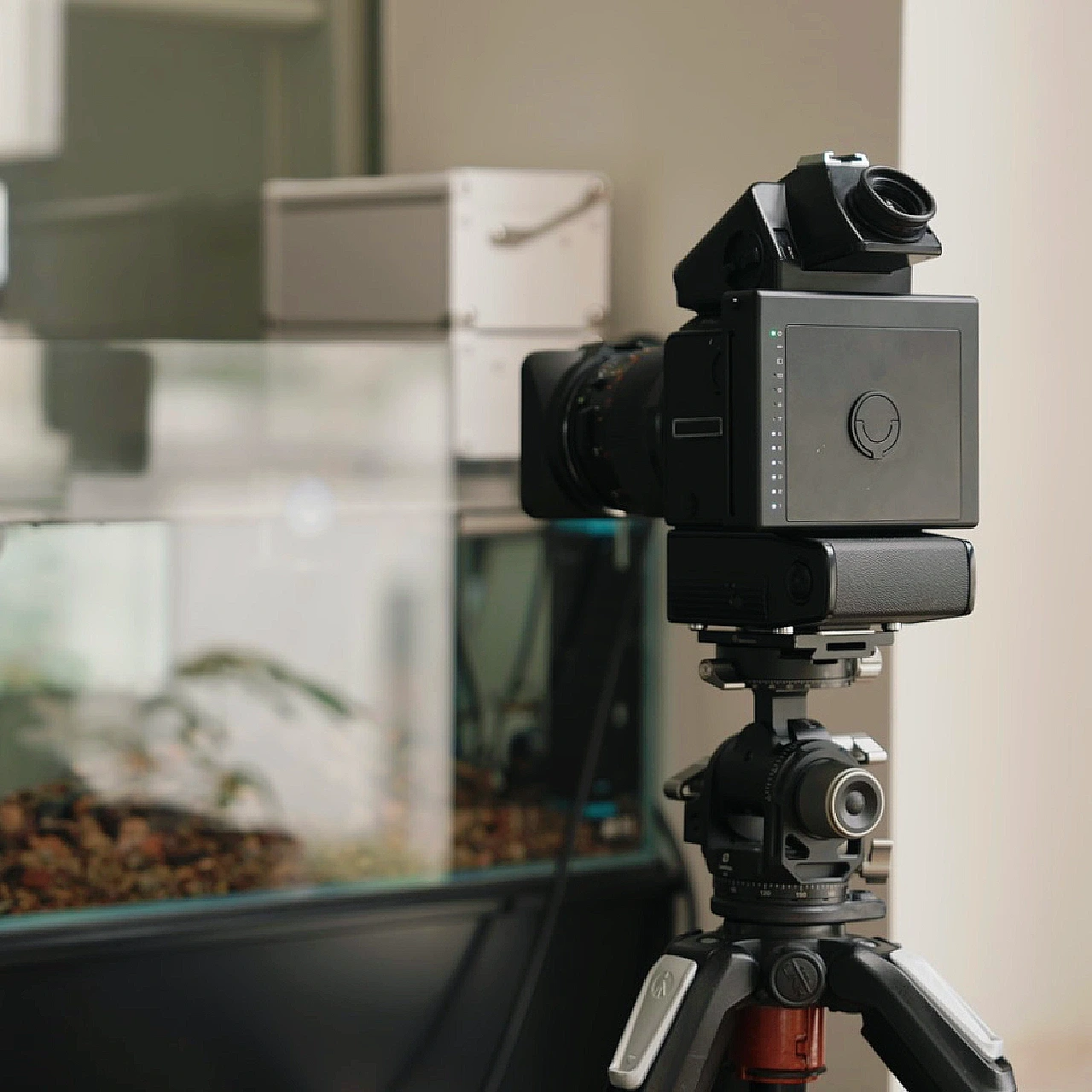
553ELX
A familiar Hasselblad system, with a different kind of physical print. Photo: @祭忆Lin
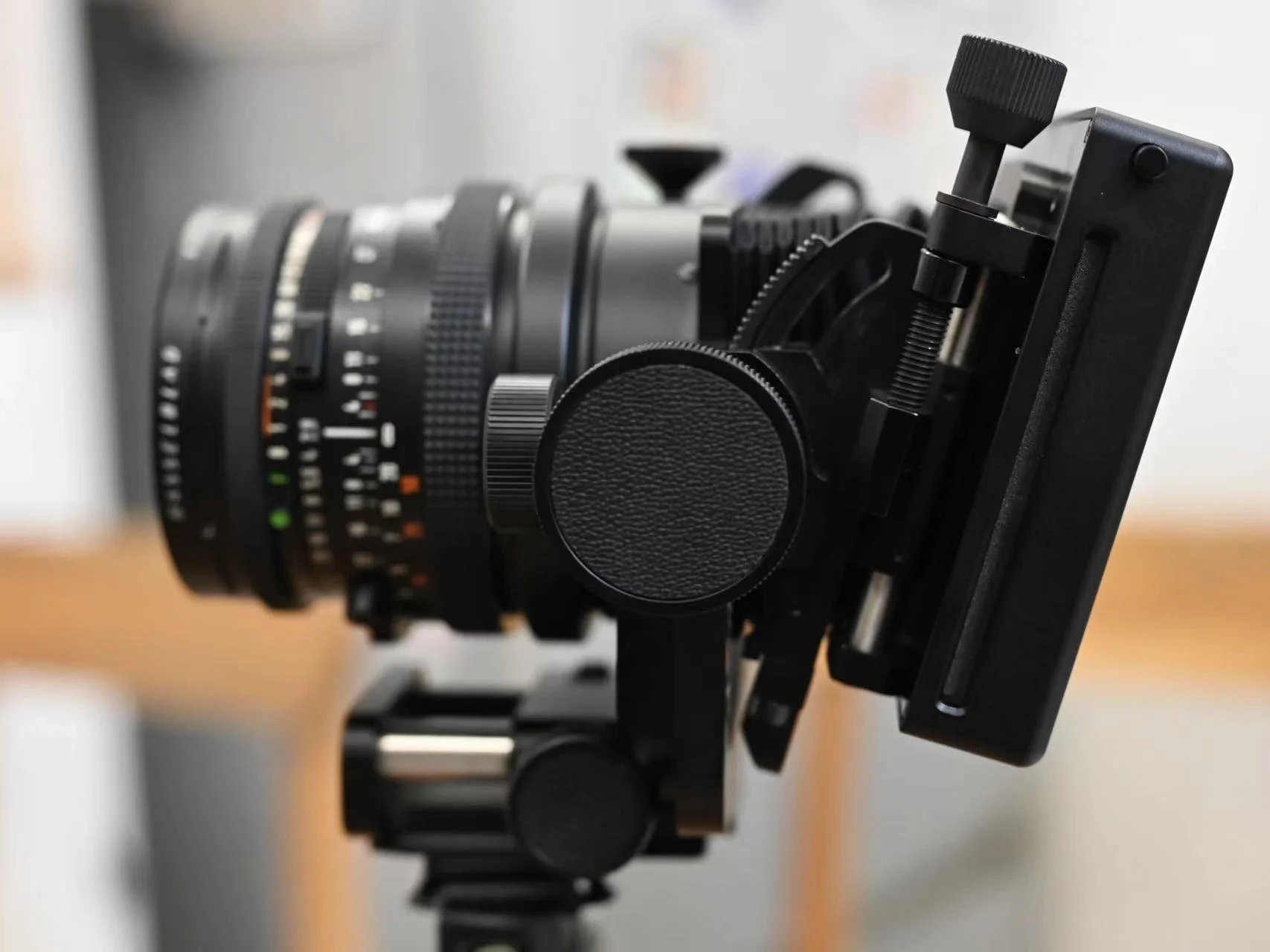
FlexBody
A real setup photographed by its user. Photo: @FFFILM
SWC
A different lens and viewing experience. Photo: @Neil
Camera bodies and accessories listed in the instruction manual.
Camera bodies
1600F
1000F
500C
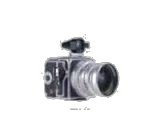
SWC
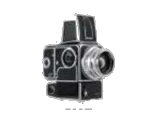
500EL
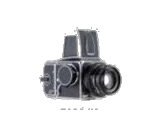
500C/M
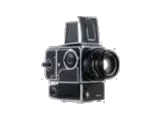
500EL/M
2000FC
SWC/M
2000FCM
500ELX
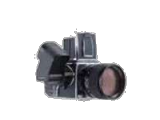
2000FCW
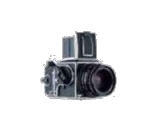
500Classic
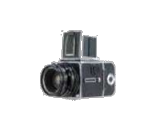
503CX
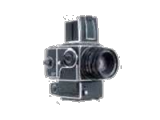
553ELX
903SWC
2003FCW
205TCC
501C
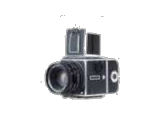
503CXI
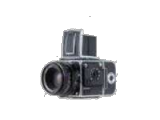
201F
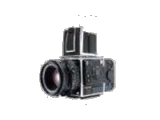
205FCC
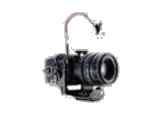
FlexBody
503CW
501CM
ArcBody
203FE
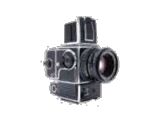
555ELD
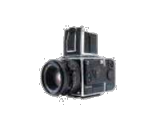
202FA
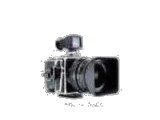
905SWC
Accessories
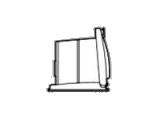
Waist-level hood
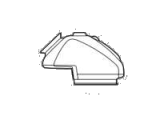
PM45
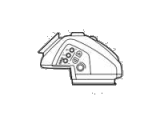
PME45
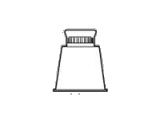
HM2
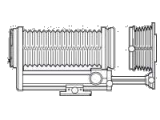
Bellows
Extension tube 8
Extension tube 16
Extension tube 32
Extension tube 56
Winder CW
PME 3
PM
RM-2
10 · Photographs by the people who use it
In every photograph,
a story of your own.
Everyday moments, shared
A cup of tea, time together, the people closest to us. Keep ordinary moments in photographs you can hold.
Hasselblad + HVSQ
Photos: @何脑斯

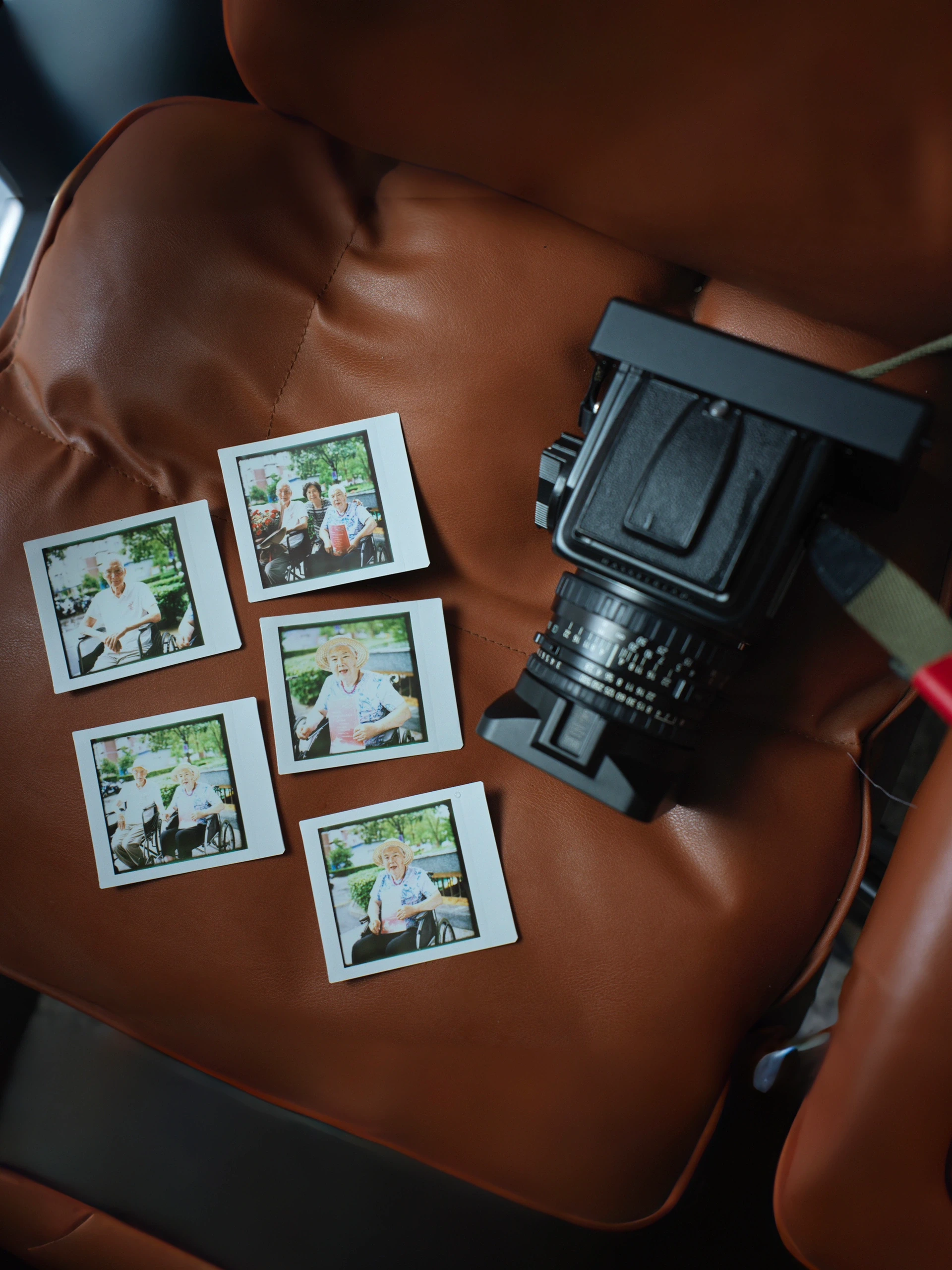
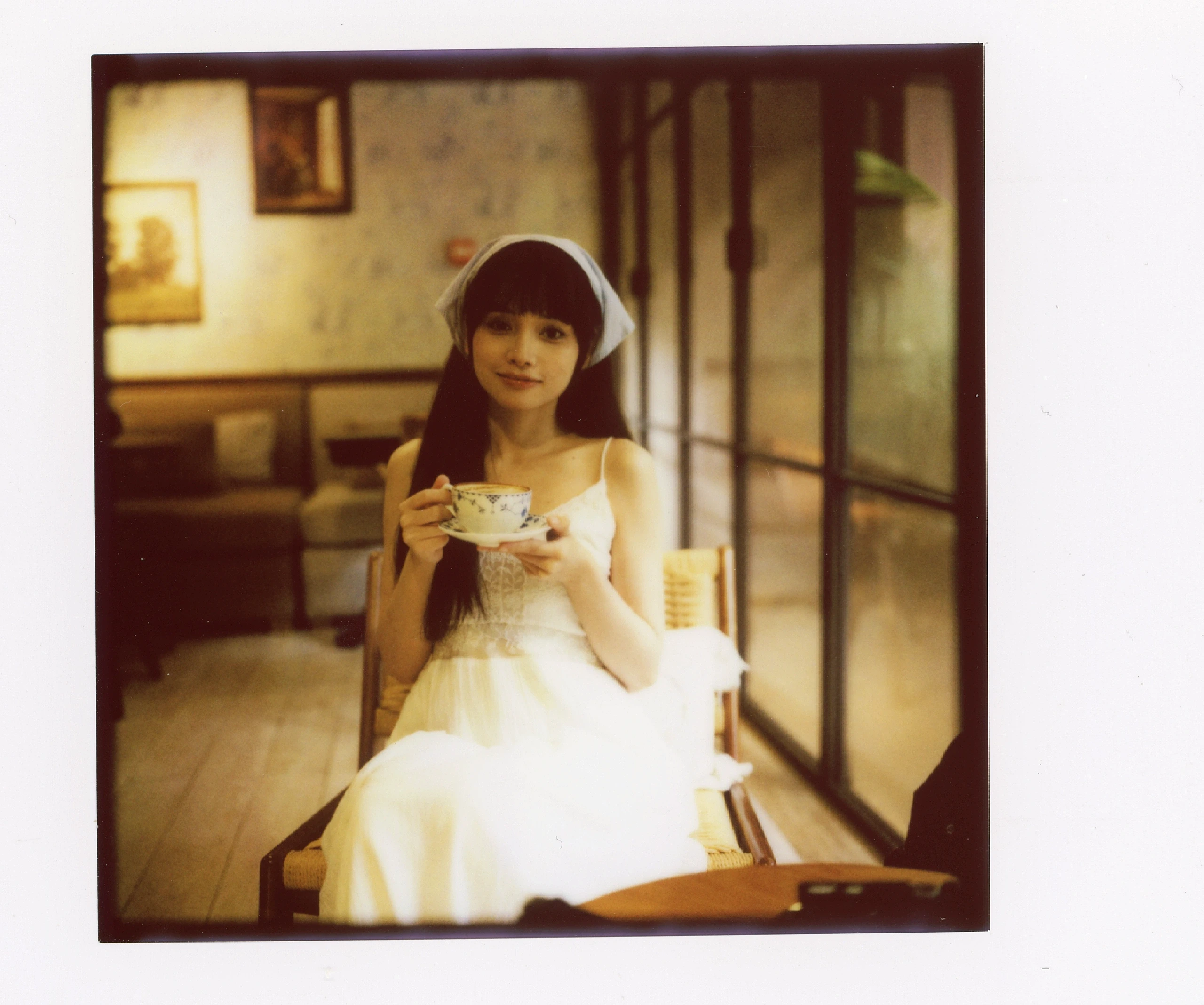
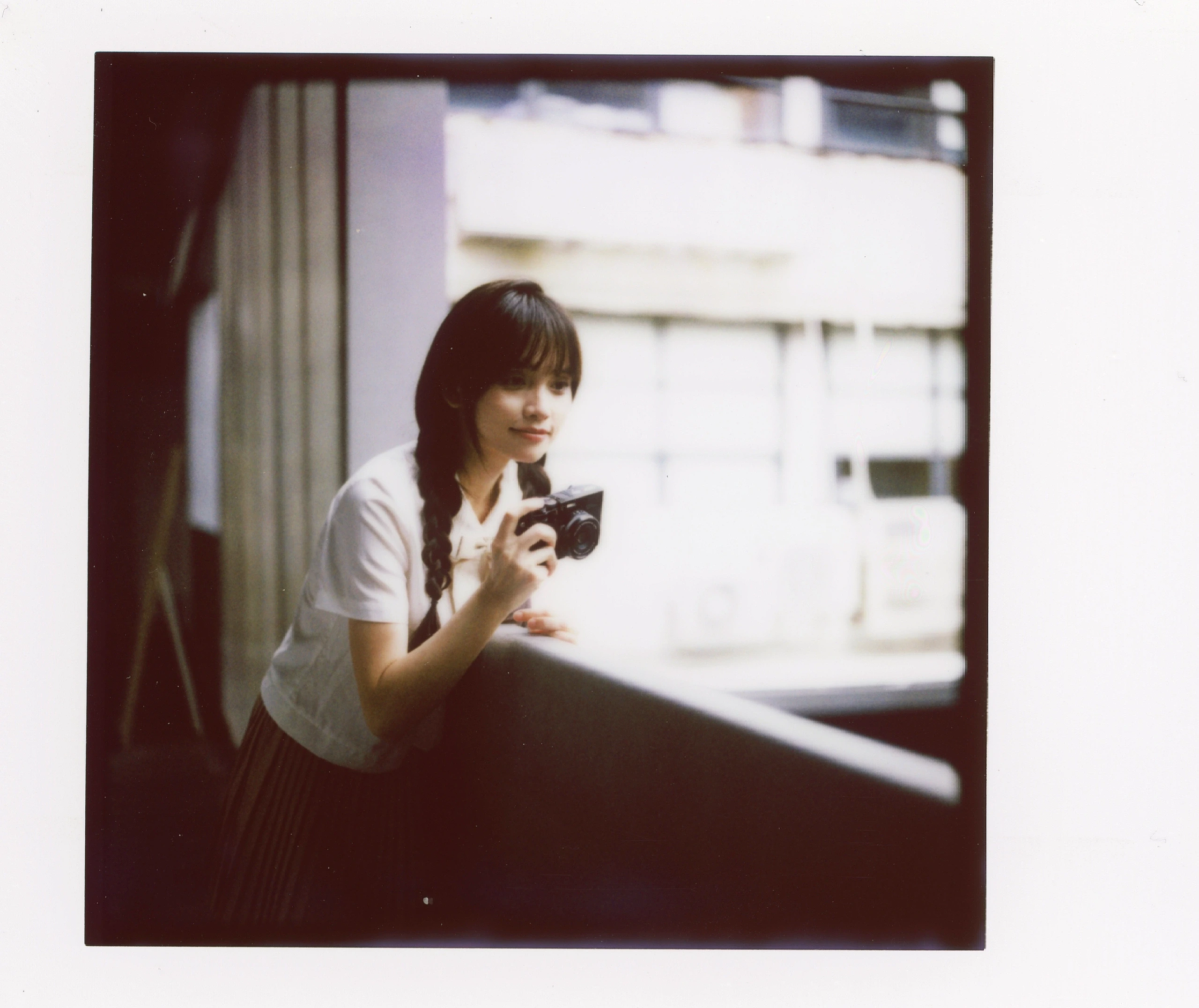
People, light and mood
Different light and different ways of shooting give the same square format a different mood.
Hasselblad + HVSQ
Photos: @张二二
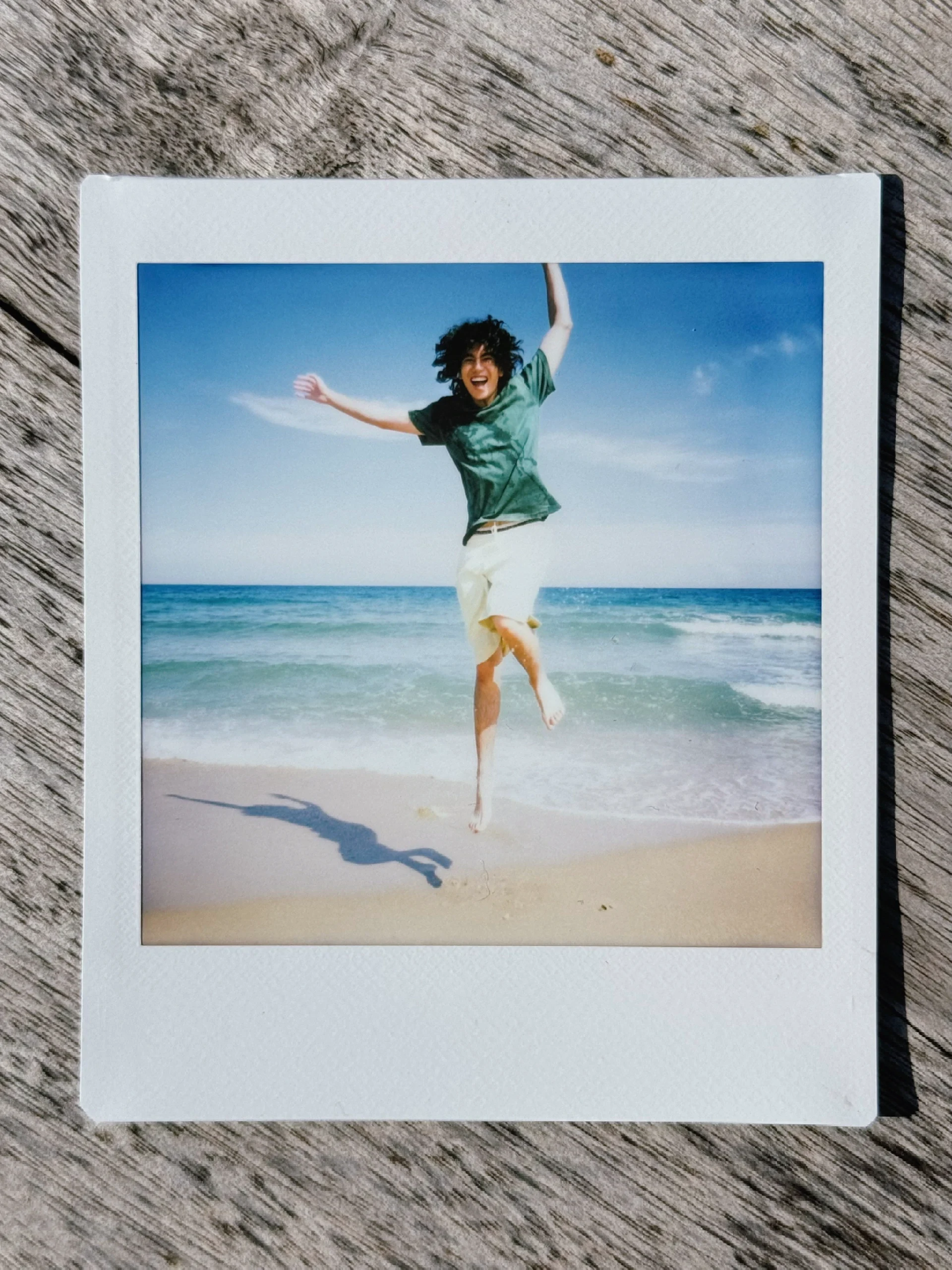
Another combination
The same back takes on another role when paired with PRESS Kit.
HVSQ + PRESS Kit
Photos: @AndyCD

11 · A journey with HVSQ
Go with the photographer.
A little further.
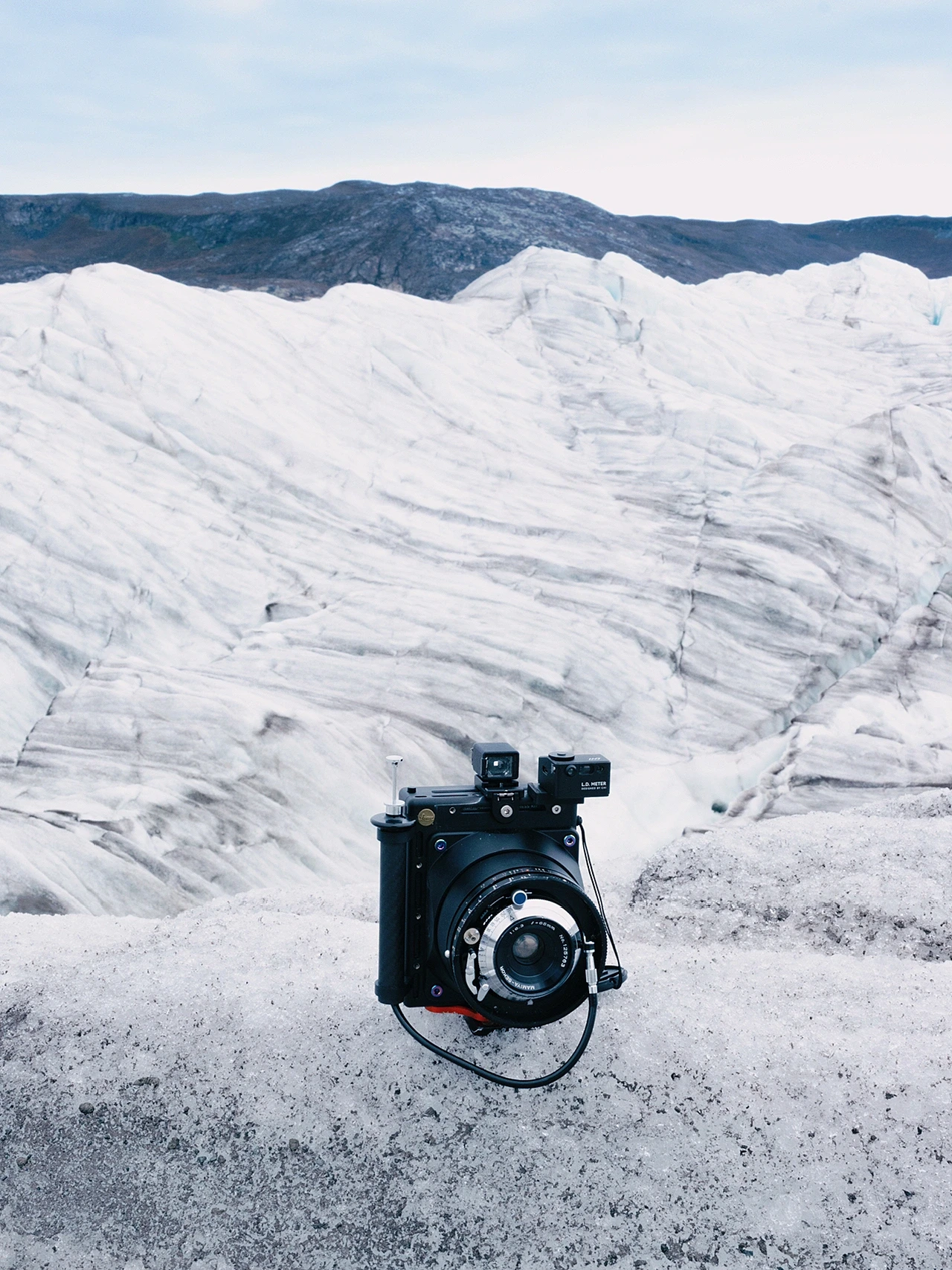
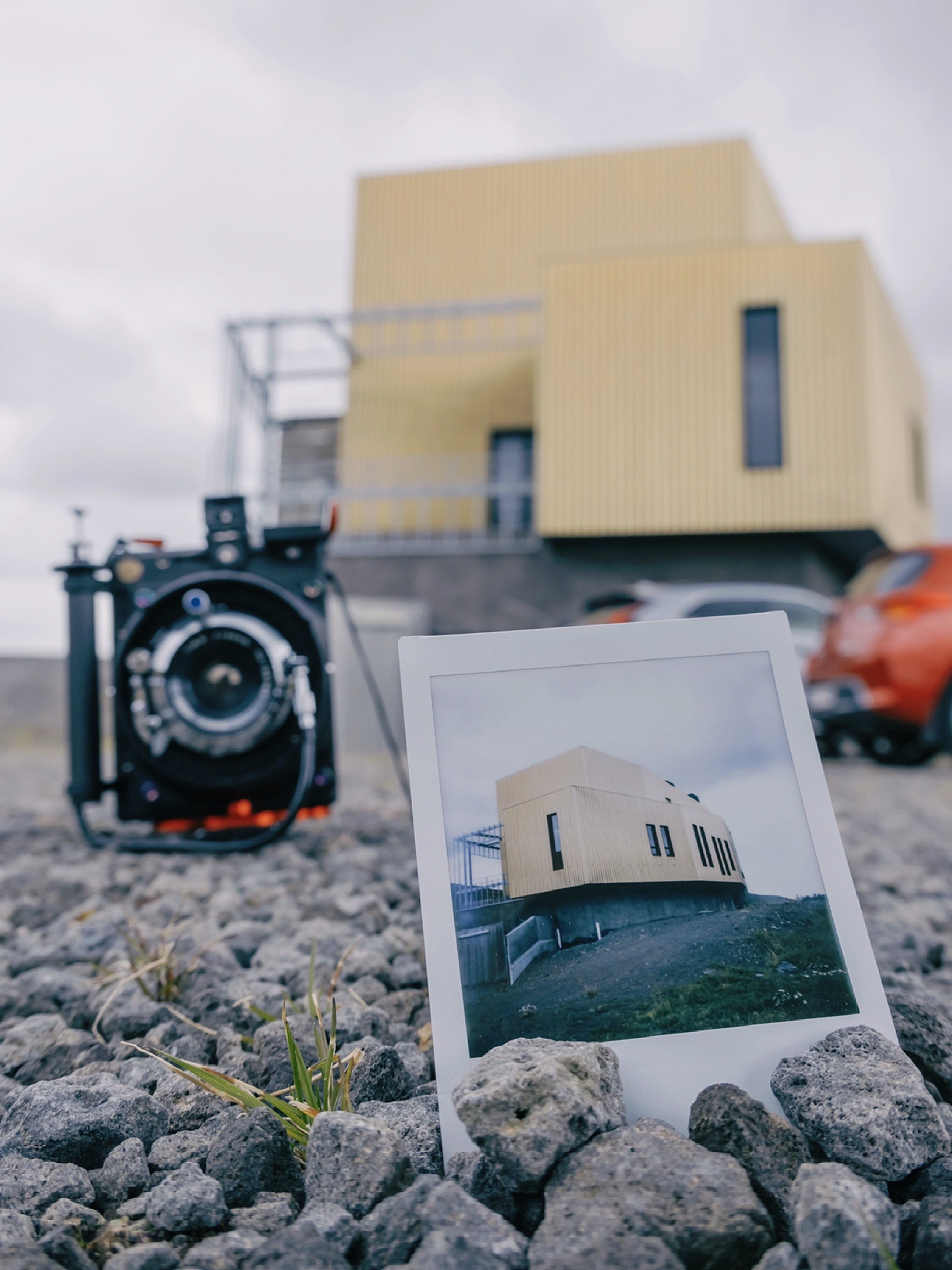
From Iceland’s snow and ice to the China–Iceland Arctic Research Observatory, @Kin took HVSQ and PRESS Kit along to document the journey. Away from the workbench, the camera became part of the luggage, the landscape and the experience—and the photographs became part of the trip.
Setup: HVSQ + PRESS Kit
Photos: @Kin
12 · Expand the way you shoot
One back.
More ways to use it.
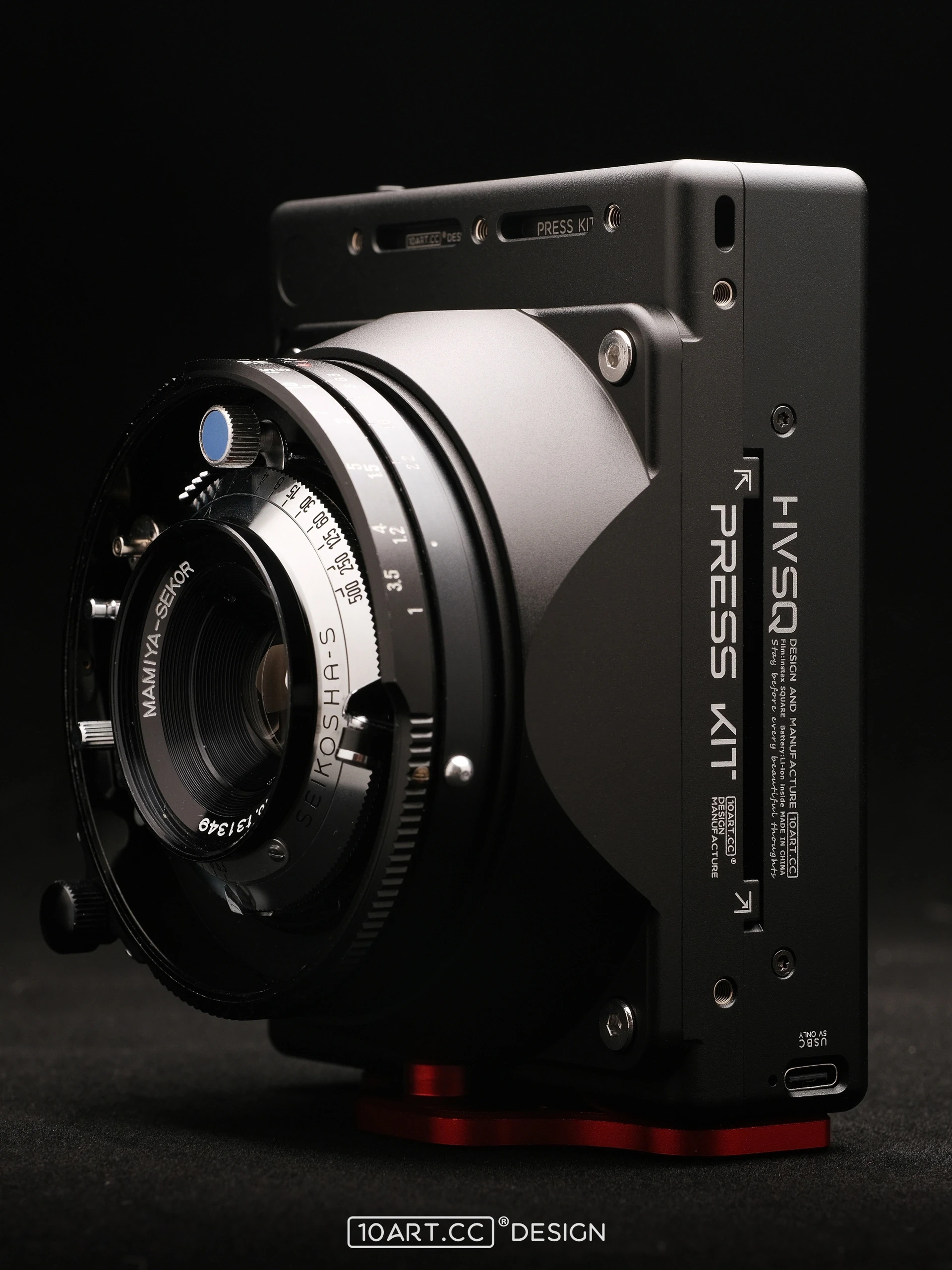
PRESS Kit
An alternative body for pairing HVSQ with Mamiya Press / Super23 lenses. Extend the lens and twist to lock it for shooting; retract it for more compact storage. Mounting holes and cold shoes provide attachment points for accessories.
Viewing and focusing follow the setup’s own procedure; the kit has no coupled focusing mechanism. Refer to the product instructions for the required lens, viewfinder and HVSQ combination.
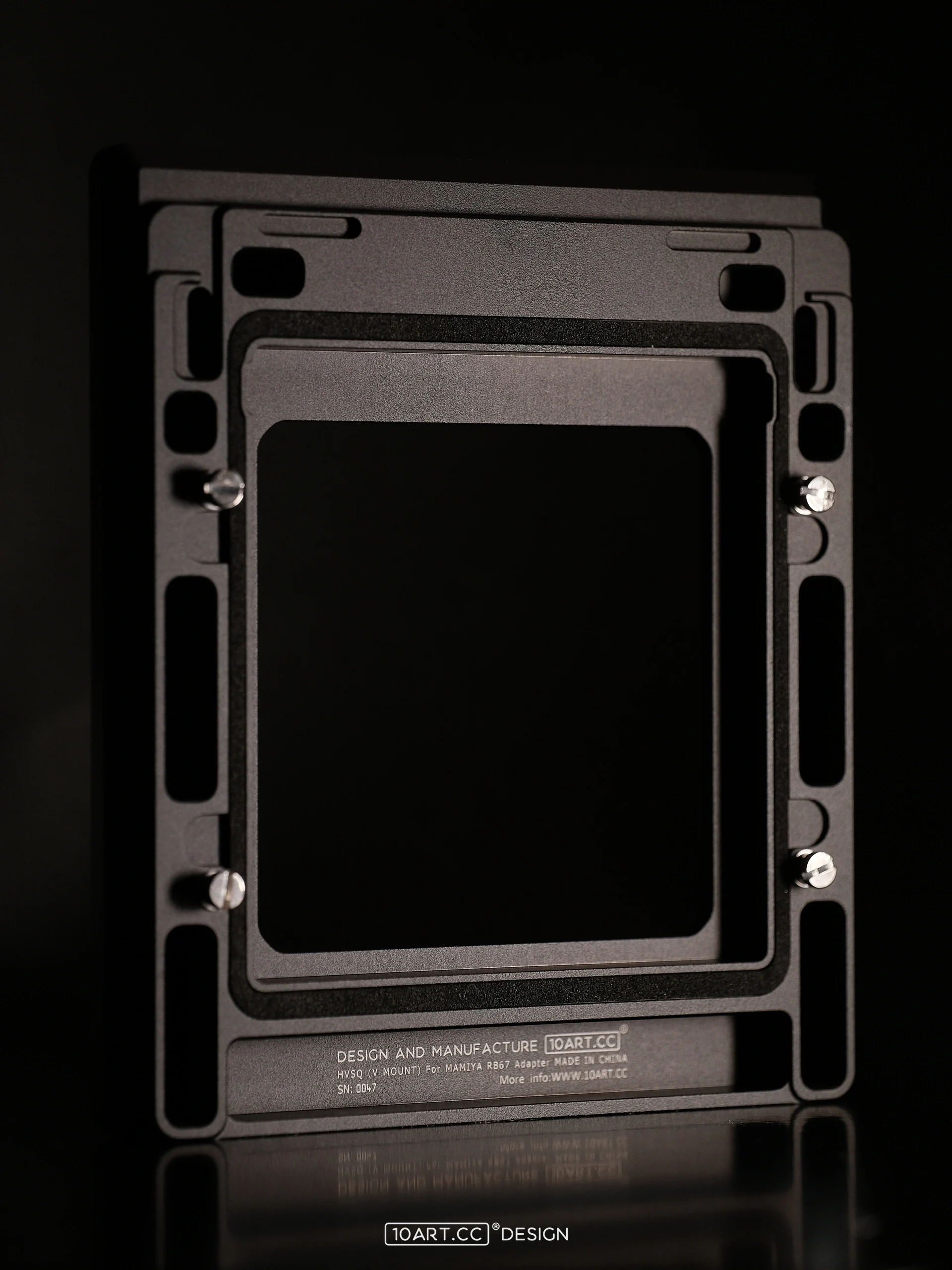
RB67 adapter
Connect HVSQ to a Mamiya RB67 while maintaining the appropriate native focal plane. Add another familiar camera to your setup with its dedicated adapter.
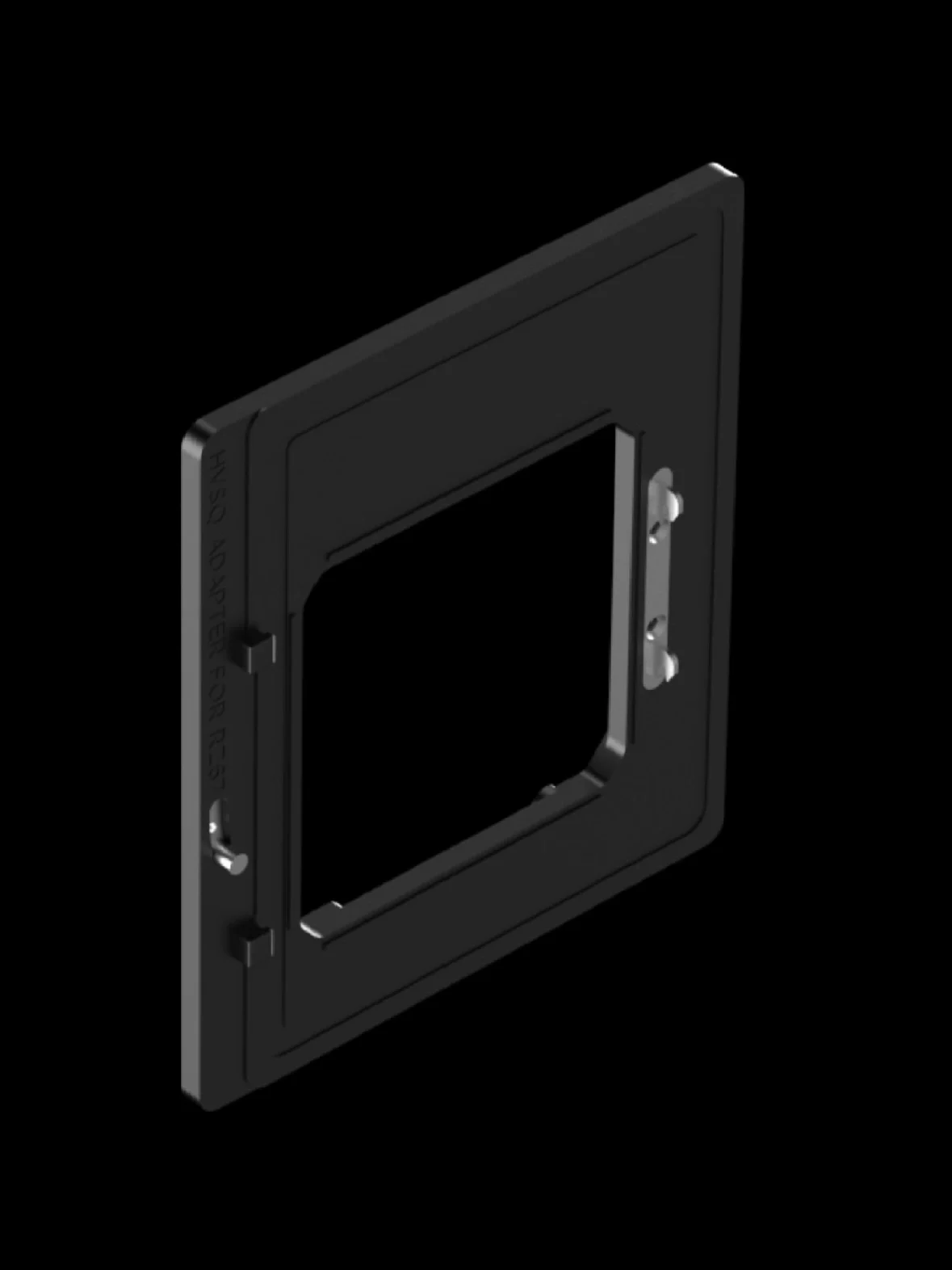
RZ67 adapter
Designed specifically for Mamiya RZ67, with support for rotation and ISO 800 recognition by the body. See the model-specific instructions for installation and settings.
Pull-ring dark slide
An updated pull-ring design for easier handling and reduced accidental contact near the switches. Available as a replacement or an extra dark slide for HVSQ.
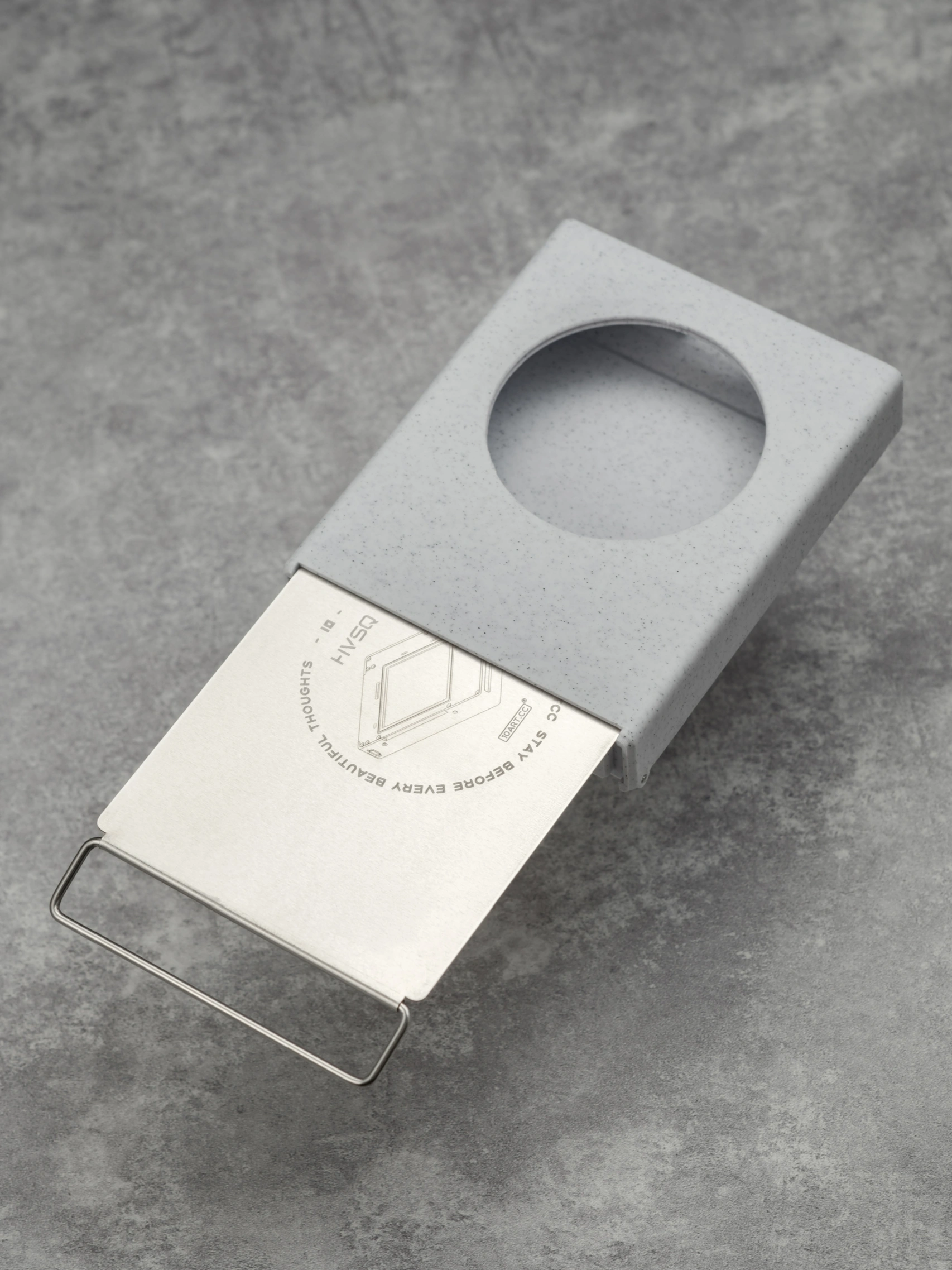
Print storage case
Store the HVSQ dark slide and up to 20 finished prints. Available as a finished case or an open-source design for printing. Dark slide not included.
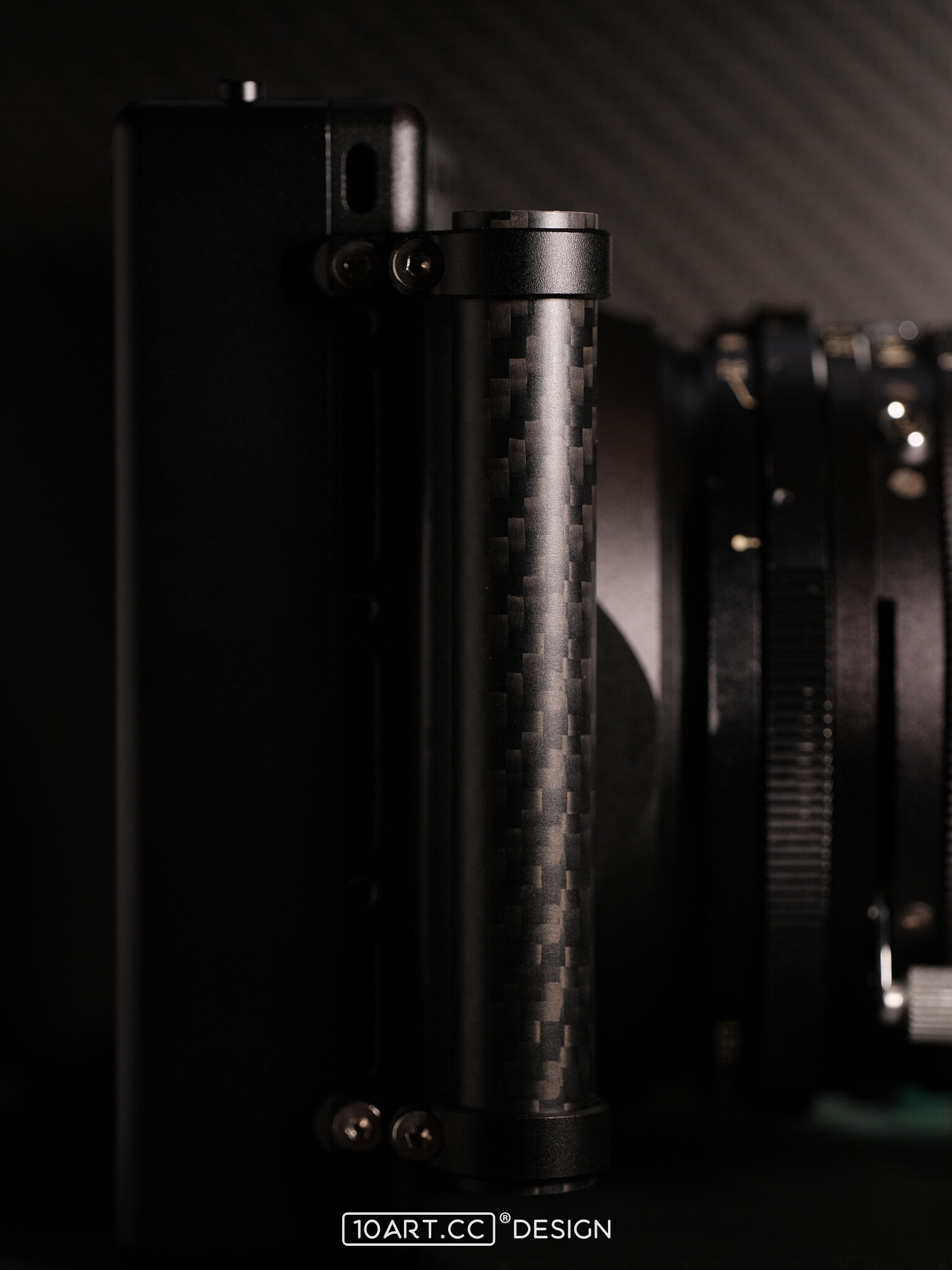
Carbon-tube grip
An additional grip and mounting option for PRESS Kit. The carbon tube attaches to the body through a clamp and requires PRESS Kit.
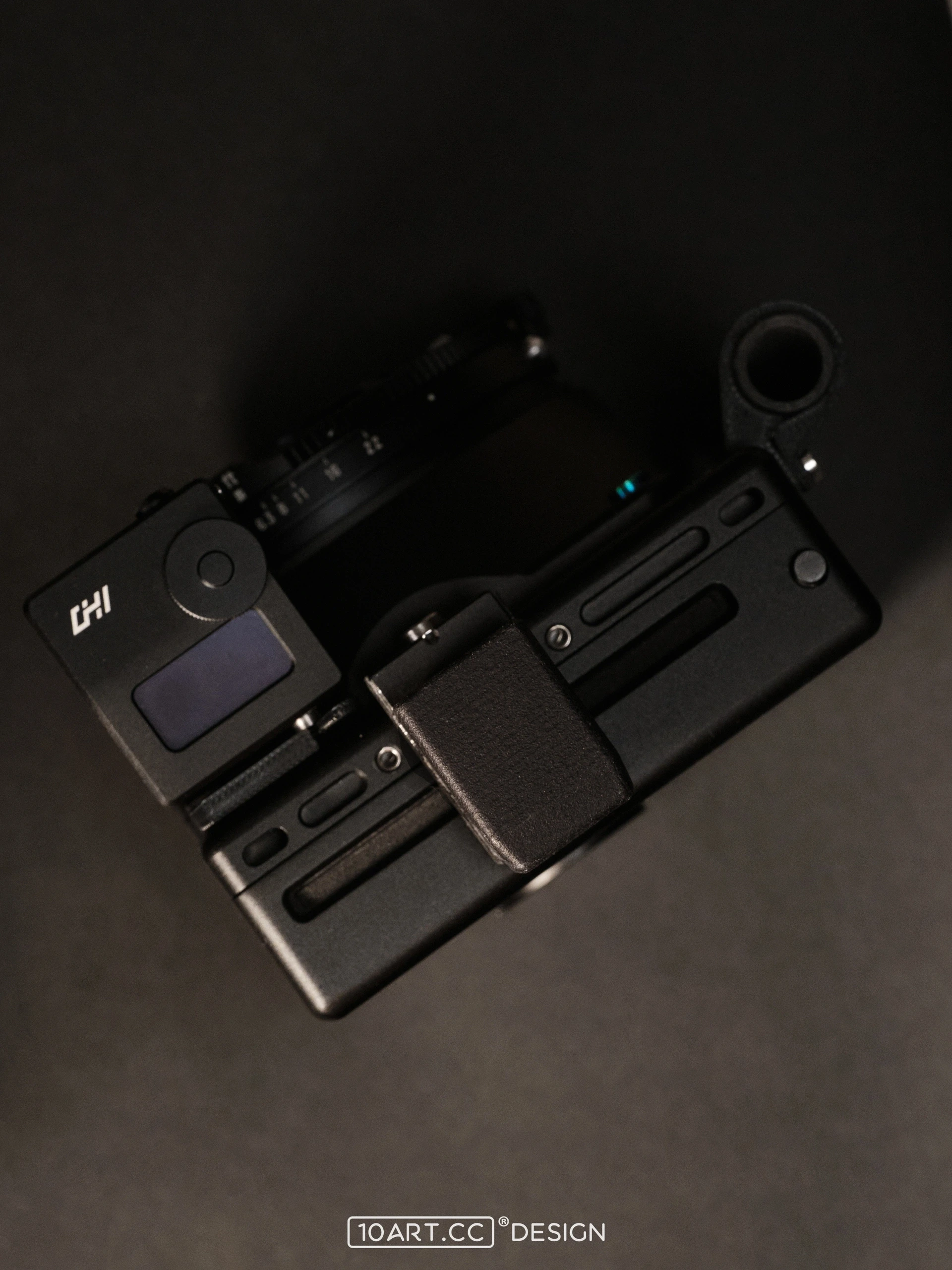
Rangefinder / light meter mount
Provides a mounting position on PRESS Kit for a separately supplied rangefinder / light meter. The bracket holds the instrument; distance and light measurements are performed by the instrument itself.
More for the Hasselblad system:Accessory shoe / Quick-release plate
13 · Product information & support
Get to know it.
Find the support to keep using it.
instax SQUARE
Fujifilm square instant film
650mAh
Built-in rechargeable battery in Ver.2.1
USB-C / 5V
USB-C charging from a 5V power source
Ver.2 / Ver.2.1
Two versions of the same product
2020
The project began with modelling and design, followed by pre-orders.
2023
Shipping began, and the version with a built-in lithium battery was introduced.
2024
Ver.2.1 continued the development, with more camera combinations and photographic stories.
End of 2024
All units sold out.
Is HVSQ a complete camera?
HVSQ is an instant-film back and requires a compatible camera and lens. PRESS Kit offers an alternative setup. Check the relevant product instructions for the equipment and mounting requirements.
Does a print eject automatically after exposure?
The camera shutter makes the exposure. You then press the eject button on HVSQ to feed out the print. Follow the manual for the correct loading, dark-slide and ejection procedure.
Which information applies to Ver.2 and Ver.2.1?
They are different versions of the same product, with changes to details such as the power system. This page mainly covers Ver.2.1. Owners of earlier versions can also consult the corresponding historical articles and instructions.
How do I check camera and viewfinder compatibility?
Consult the full support list and check the body, viewfinder and accessories as a combination. RB67 and RZ67 each require their own dedicated adapter. A system name alone does not establish compatibility for every setup.
See the shop for current availability of the back and accessories.
1/500
A limited edition, each with its own photographic story.
HVSQ
Thank you for all your trust and support.
See you with our next camera.

