

CAMERA COMPANION · PF66 REMOTE
PF66 Remote
Your phone. An extension of your camera.
Bluetooth shutter control, live camera readings, firmware updates and device management. PF66 Remote brings camera operation and support together on your phone.
For Pocket Fold 66 cameras with the required expansion module. Available for iOS and Android.
01 · REMOTE SHUTTER
Step into the frame. Release the shutter from your phone.
Set the camera down and take control from your phone. Join the group, get ready for a self-portrait, or avoid touching the camera during a long exposure.
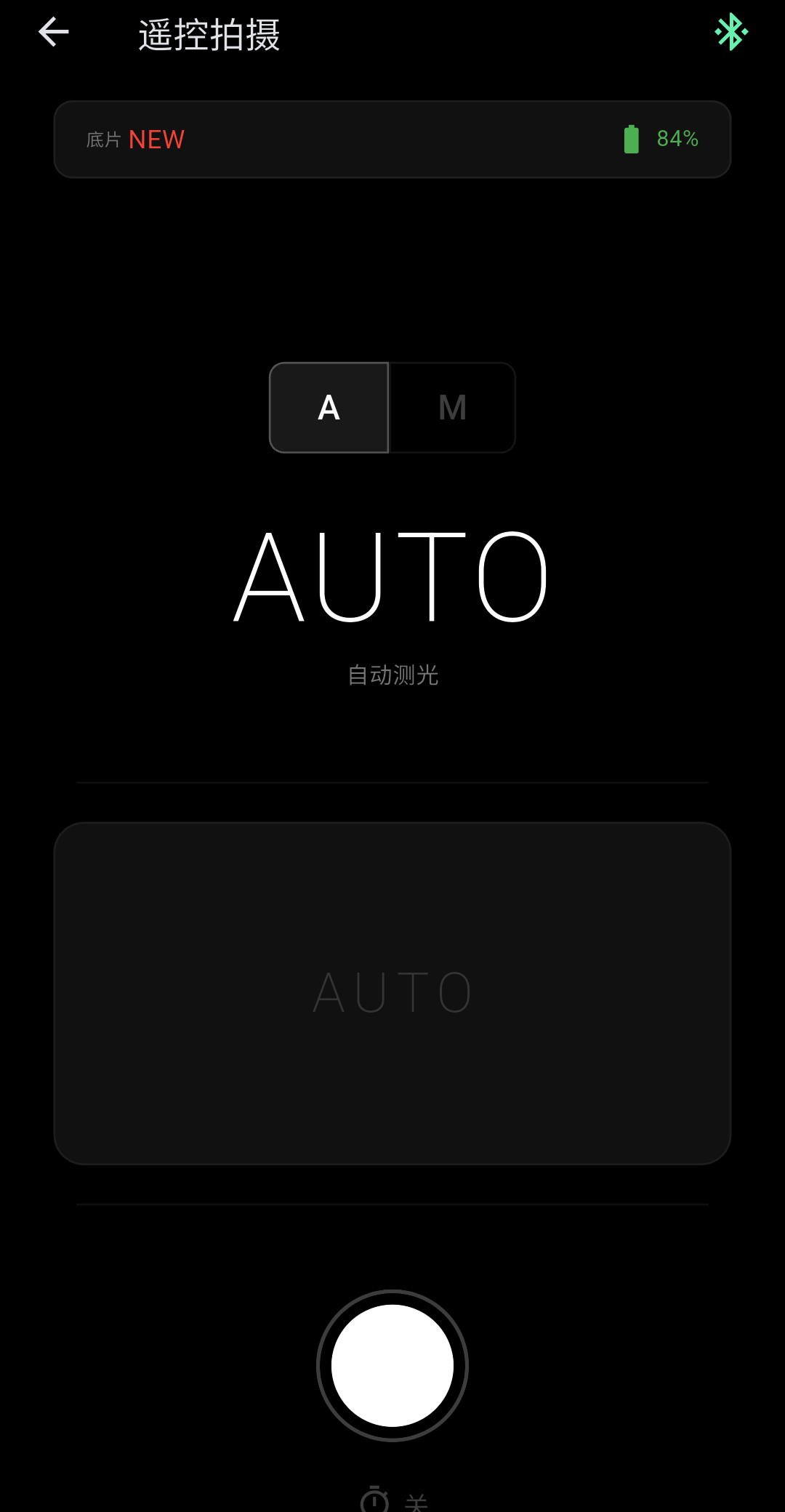
Auto or manual, within reach
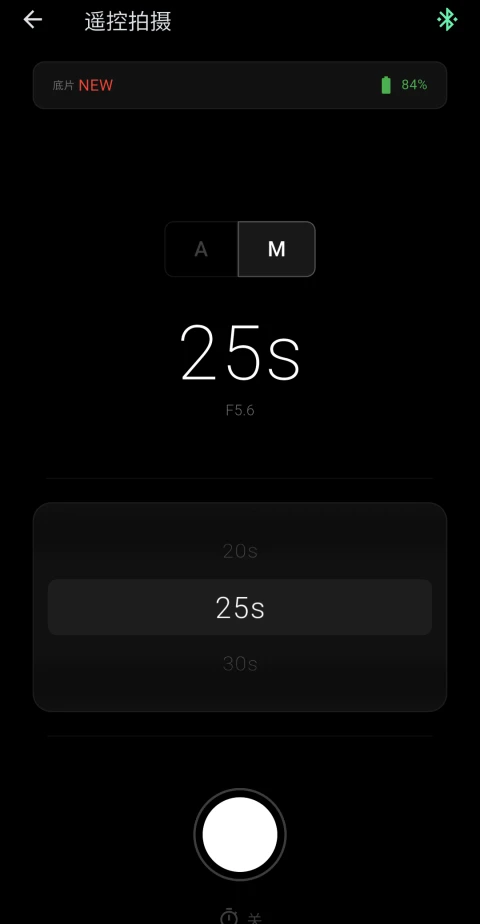
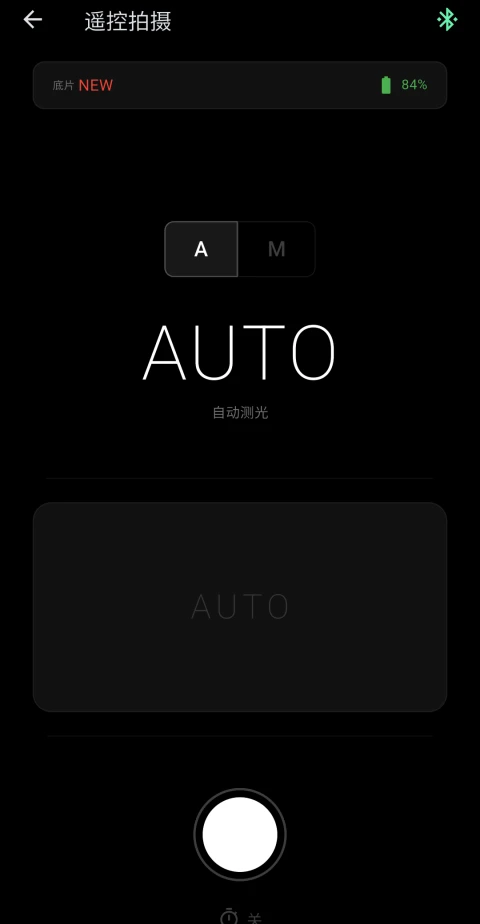
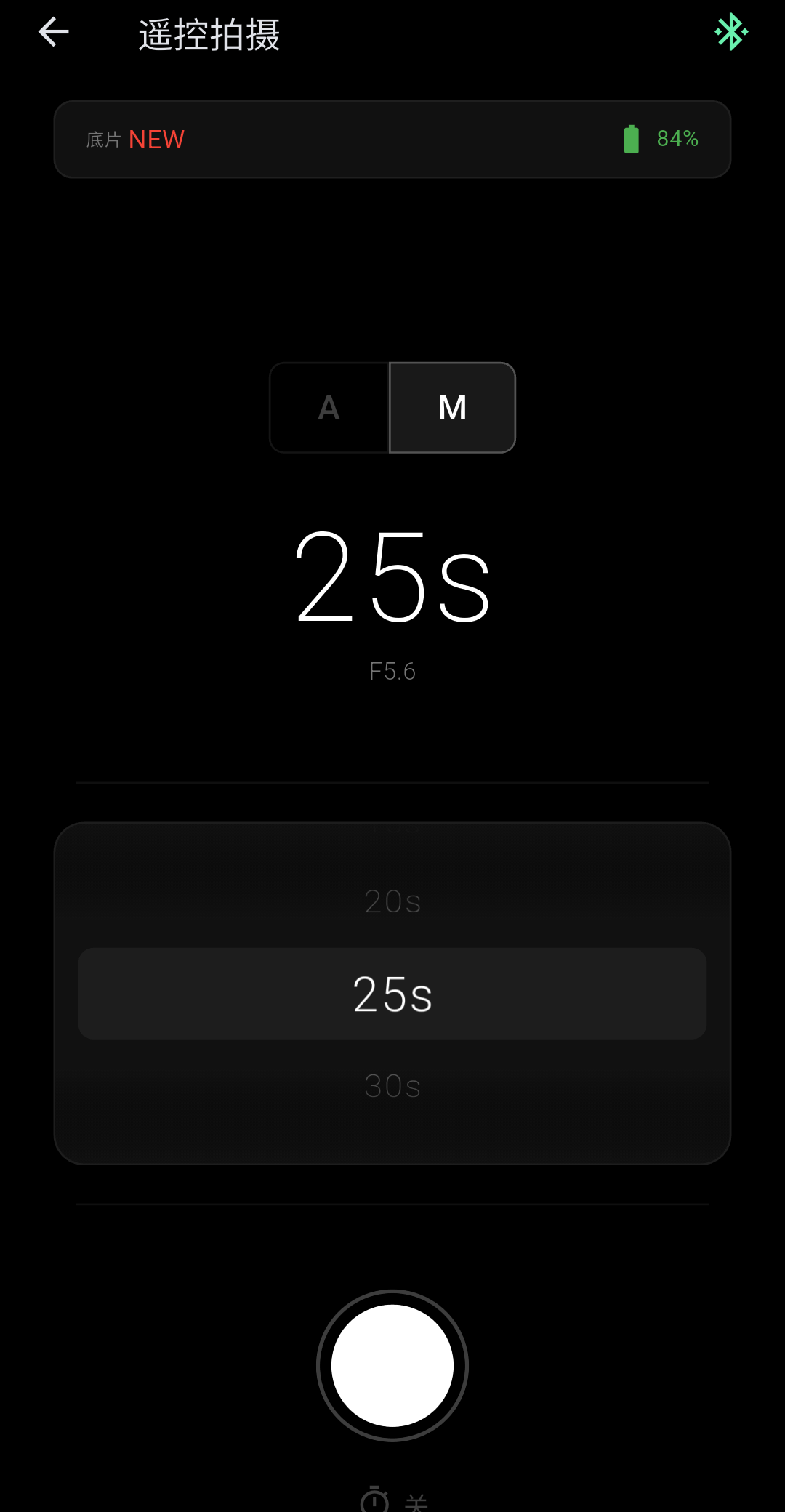
Let the camera meter in A mode, or select a shutter speed in M mode. Switch between them in the same control screen.
57 shutter-speed settings
In manual mode, choose from 1/4000 second to 30 seconds using a wheel with haptic feedback.
A little time to get ready
Choose a 1, 3 or 5-second self-timer for self-portraits and group photographs.
EV
See live metering readings reported by the camera.
Shutter
Check the current shutter speed before you take the shot.
Film
Keep track of the remaining film and plan your next frames.
Battery
Check the camera battery level before heading out.
02 · FIRMWARE
Keep your camera moving forward.
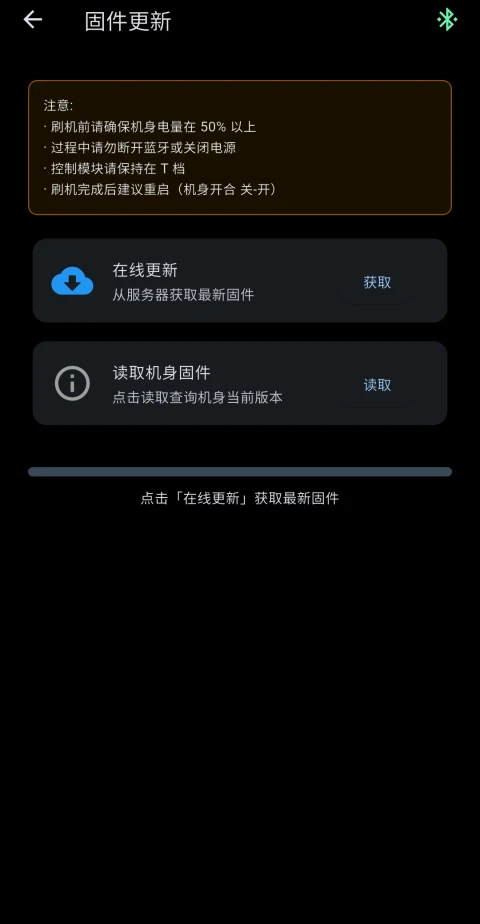
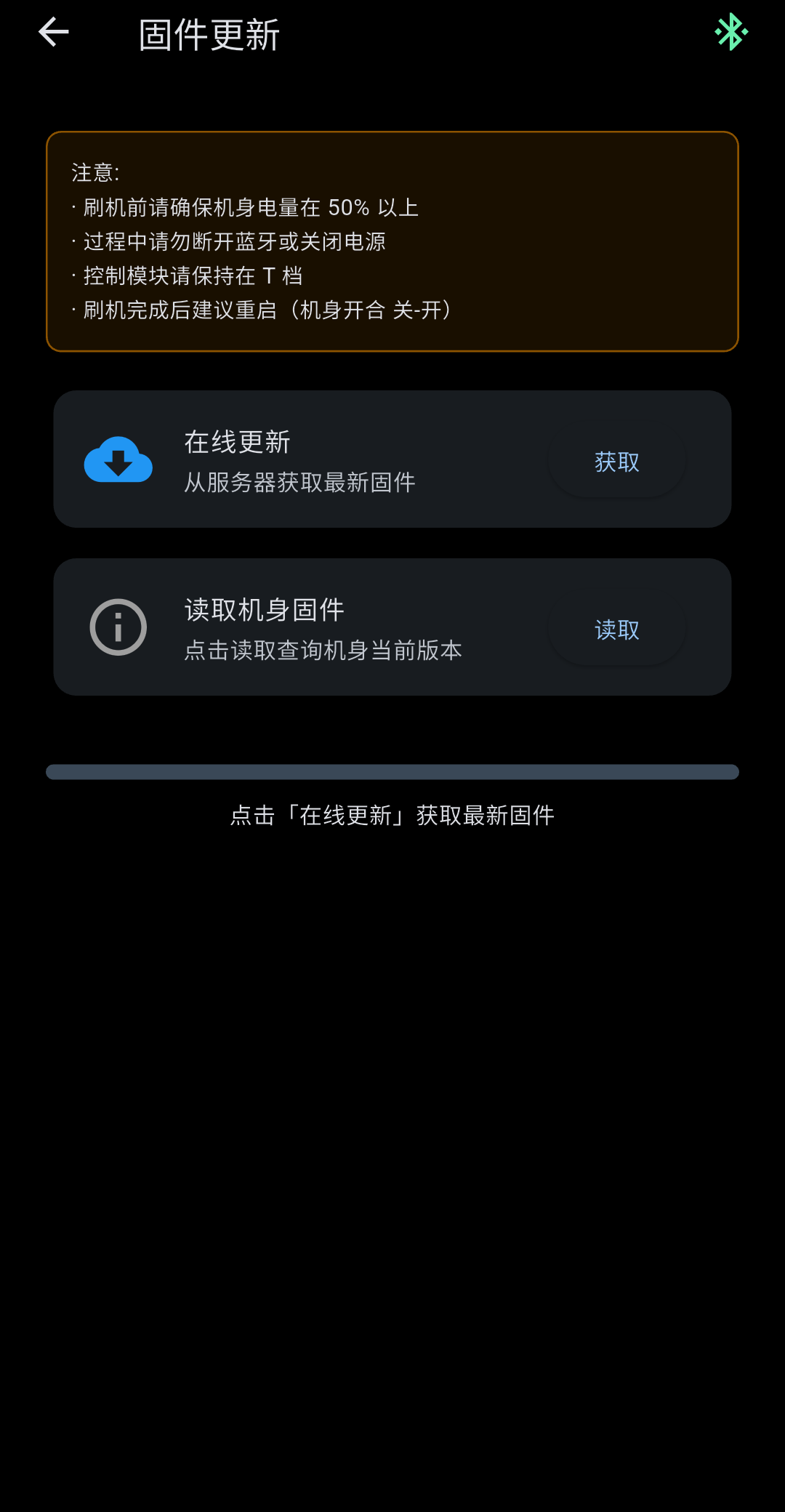
Check for new releases, read the changelog, then download and install camera firmware over the air. Maintain your camera software from your phone.
Check the release
See the available firmware and read what has changed.
Download the firmware
Stay online and follow the app to download the matching release.
Follow the update steps
Charge the camera and phone, follow the on-screen instructions, and keep the Bluetooth connection active.
Read the in-app instructions before updating. Update time varies with the release and connection.
03 · YOUR CAMERAS
A record for every camera.
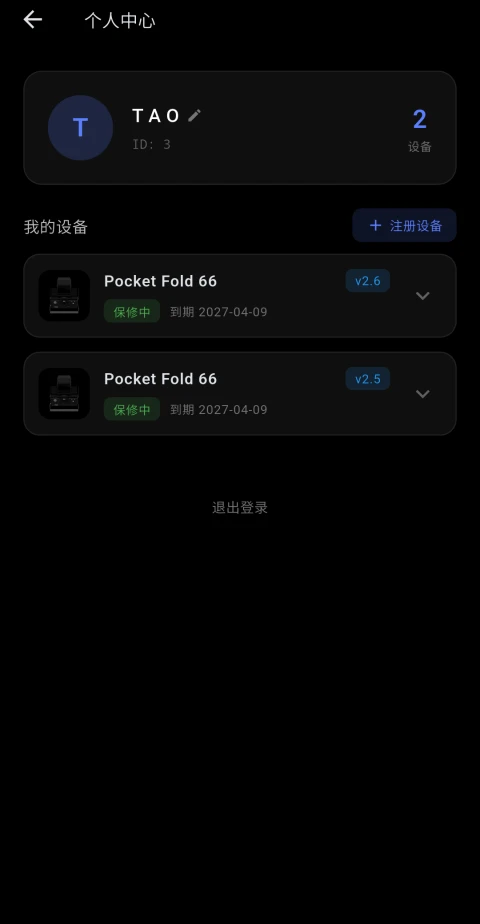
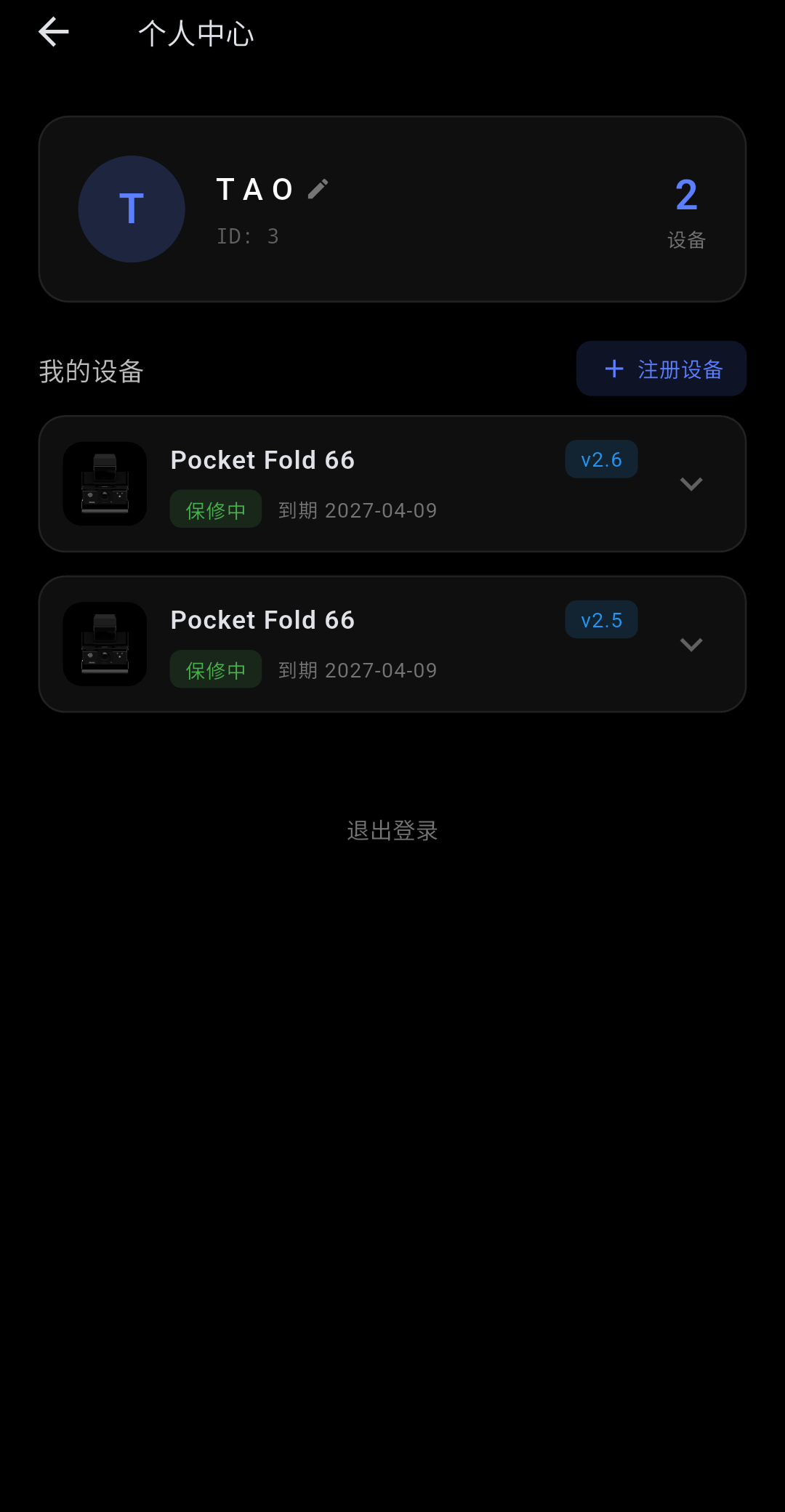
Bind cameras to your account to view their details, total shot counts and warranty status. Keep track of multiple PF66 cameras, even when you change phones.
Camera details, in one place
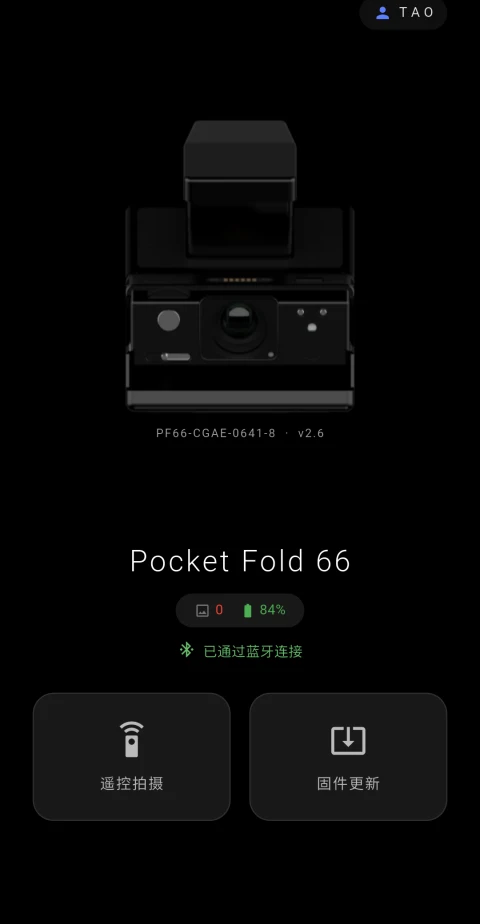
View each camera’s serial number, firmware version and total shot count, so every device is easy to identify.
Your account goes with you
Sign in to the same account on a new phone to recover your bound device information.
Connection and binding have different roles
Bluetooth connects the phone to the camera for control. Account binding keeps device, warranty and support information together.
04 · SUPPORT
Support and progress, inside the app.
From warranty information to questions and feedback, useful service tools stay together.
Tickets and support
Submit a question in the app and follow its progress in one place.
Stay informed
Push notifications can bring ticket updates, new firmware releases and official announcements.
Chinese and English
The interface follows your system language, with per-app language selection where supported by your system.
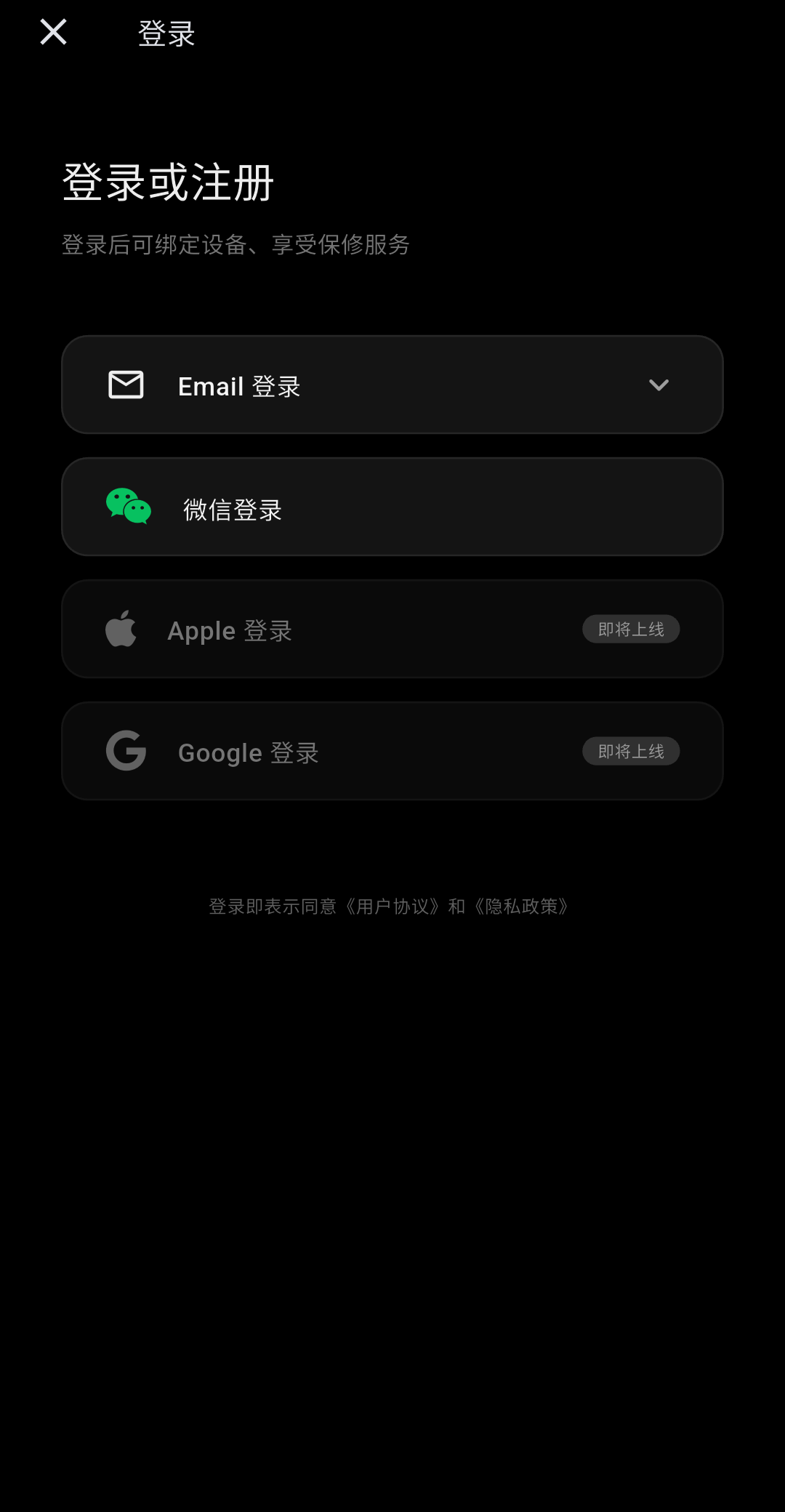
Sign-in options: Apple, WeChat, Google and email verification on iOS; WeChat and email verification on Android.
05 · INSIDE THE APP
See the app in action.
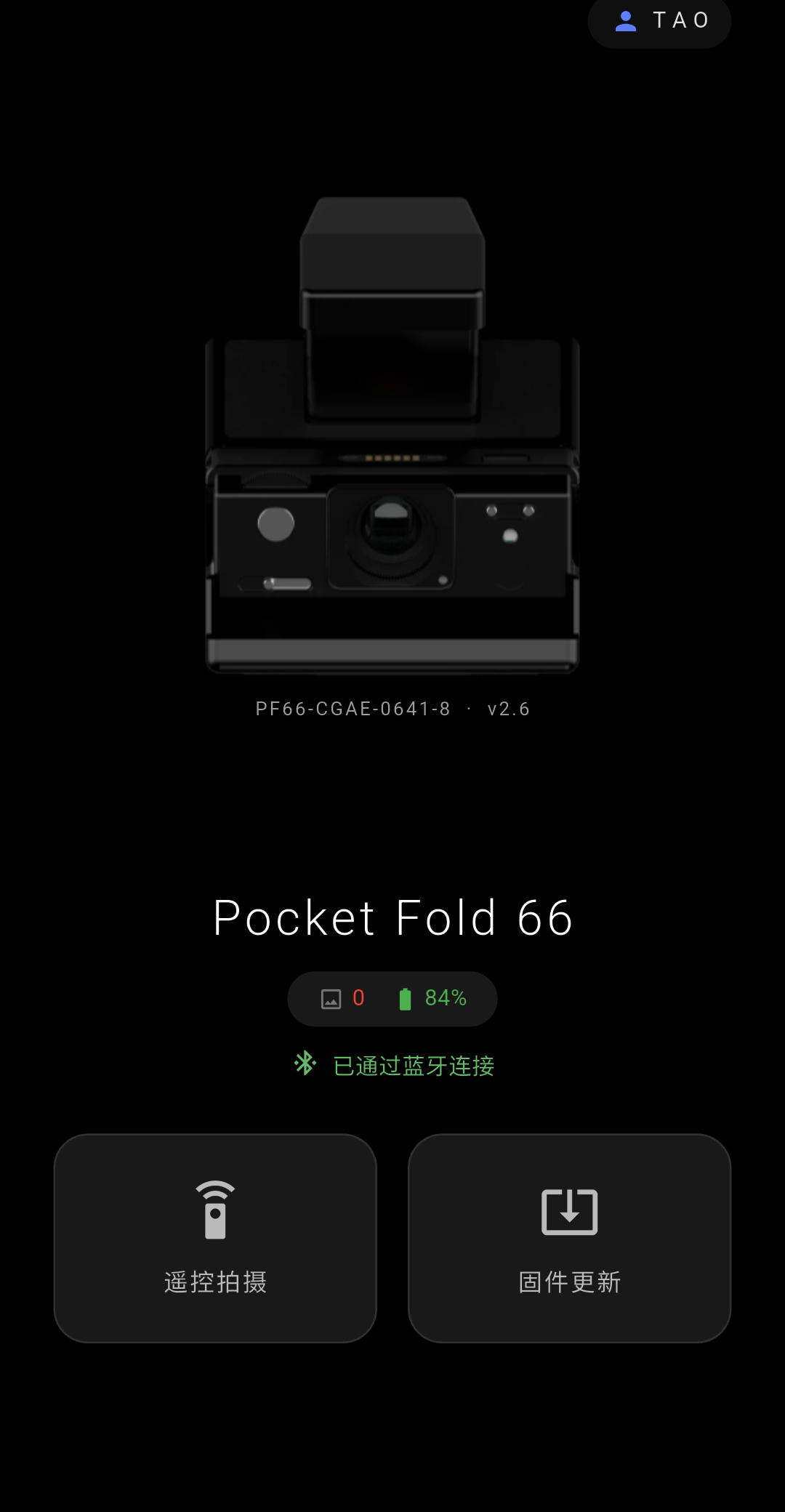
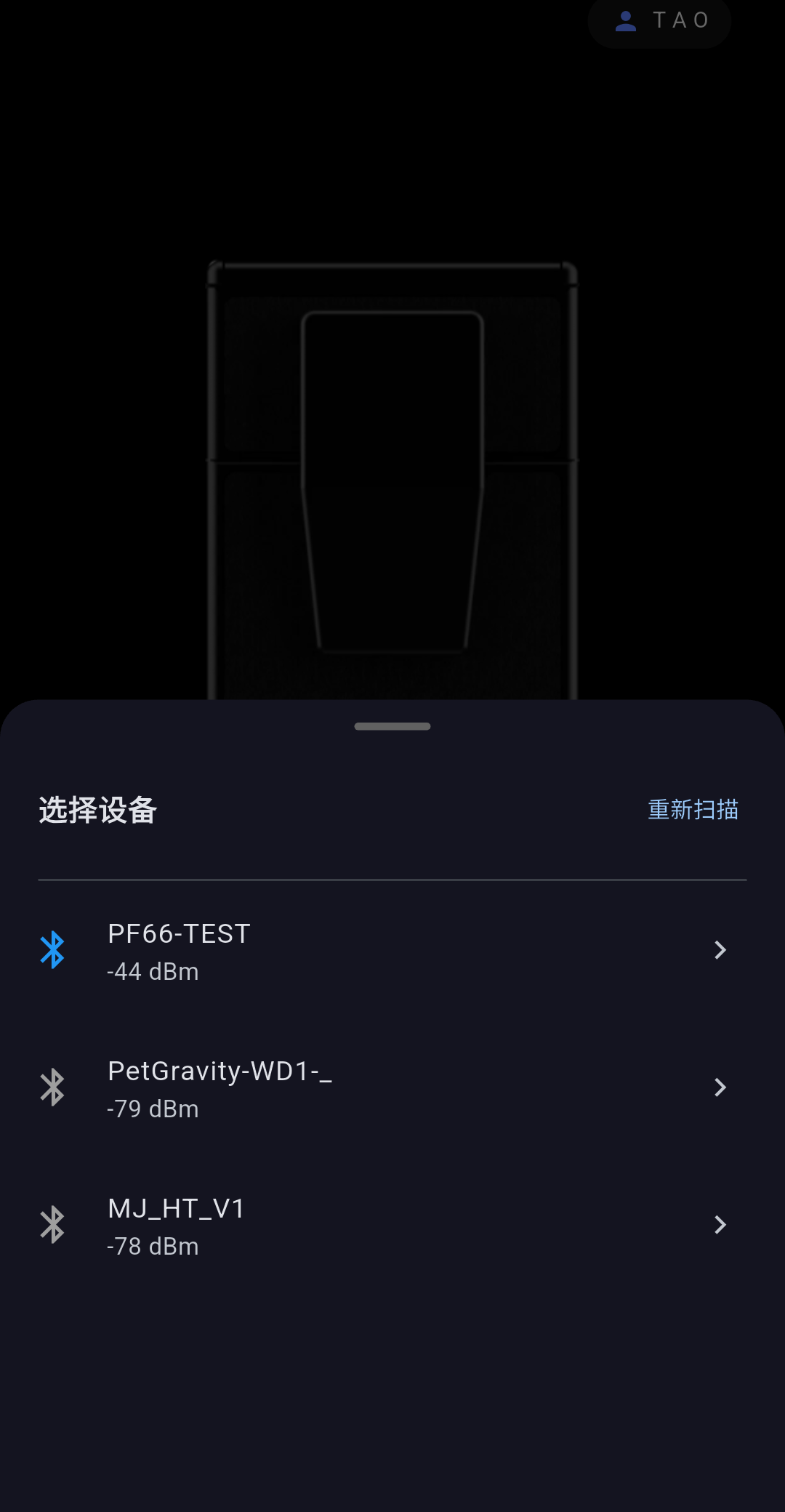
Explore official screenshots from both platforms, covering connection, remote control and device management.
Android
iOS
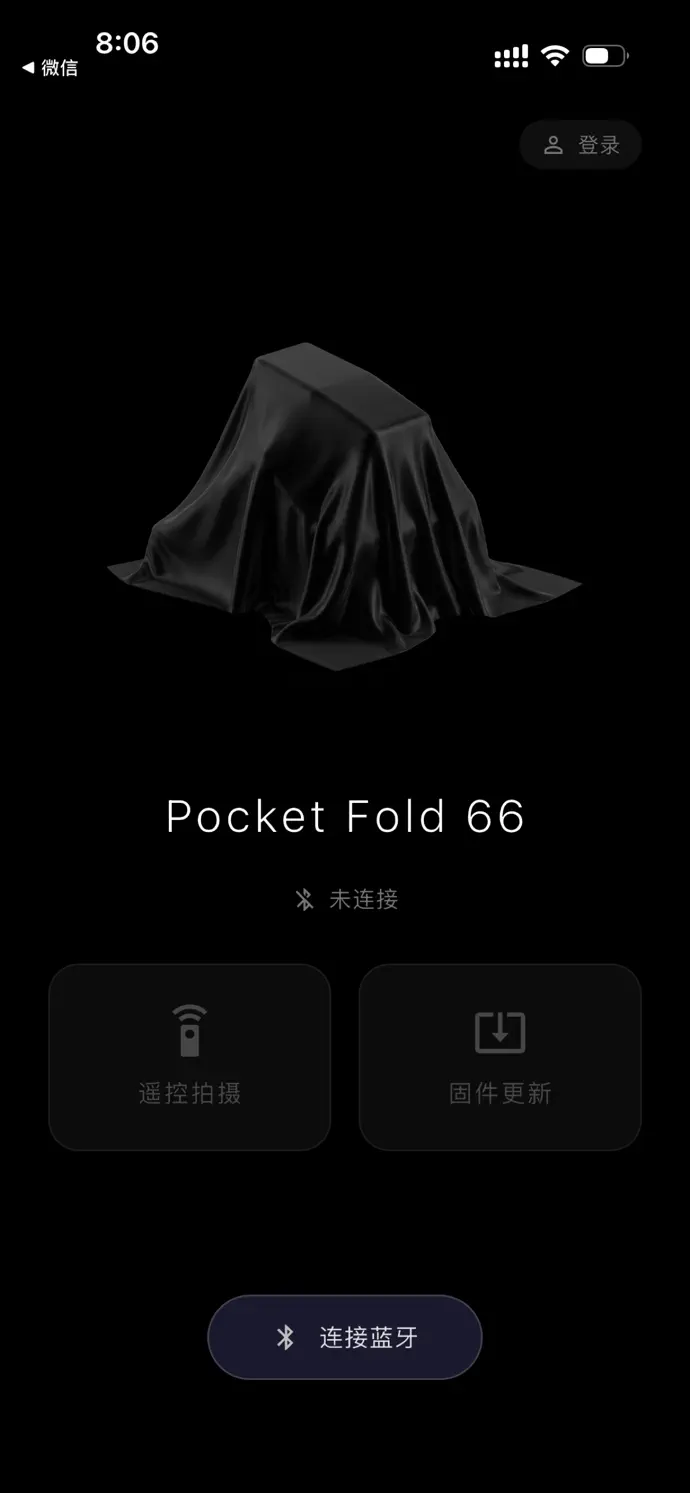
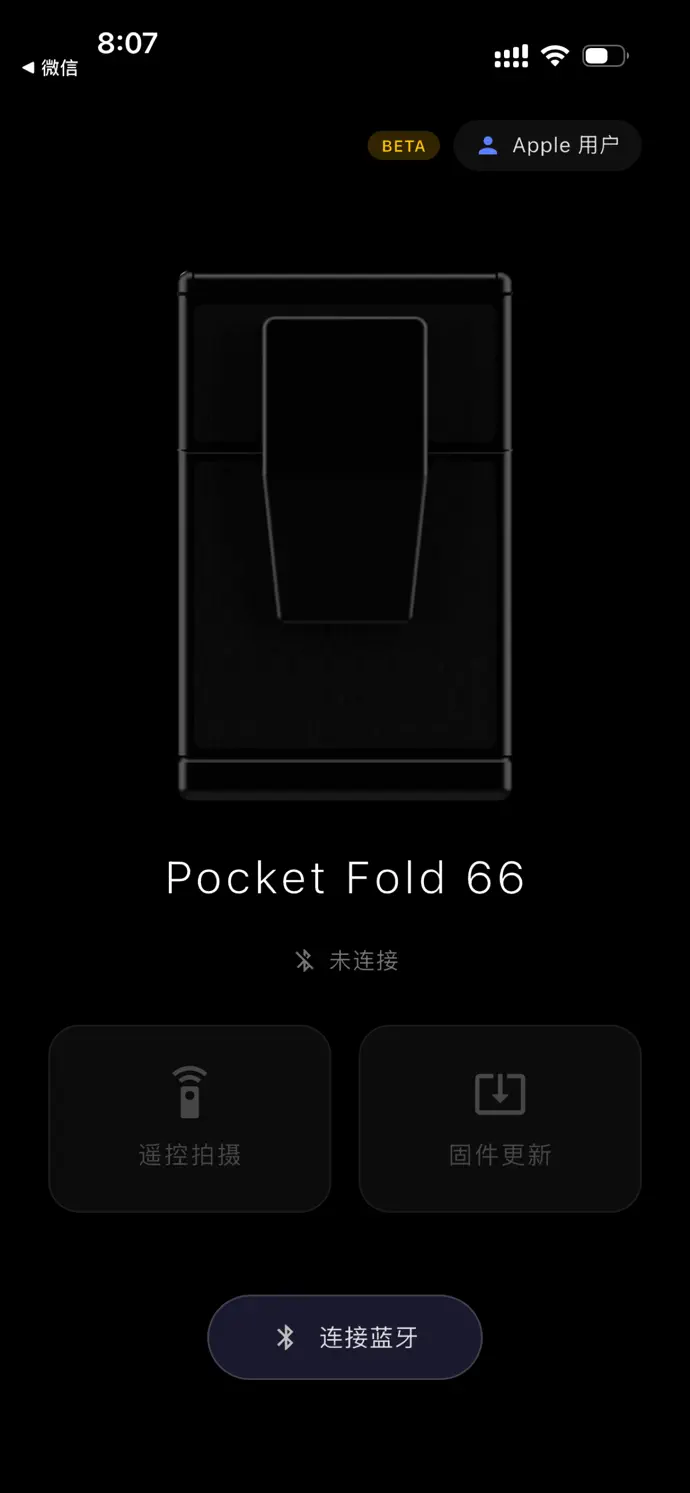
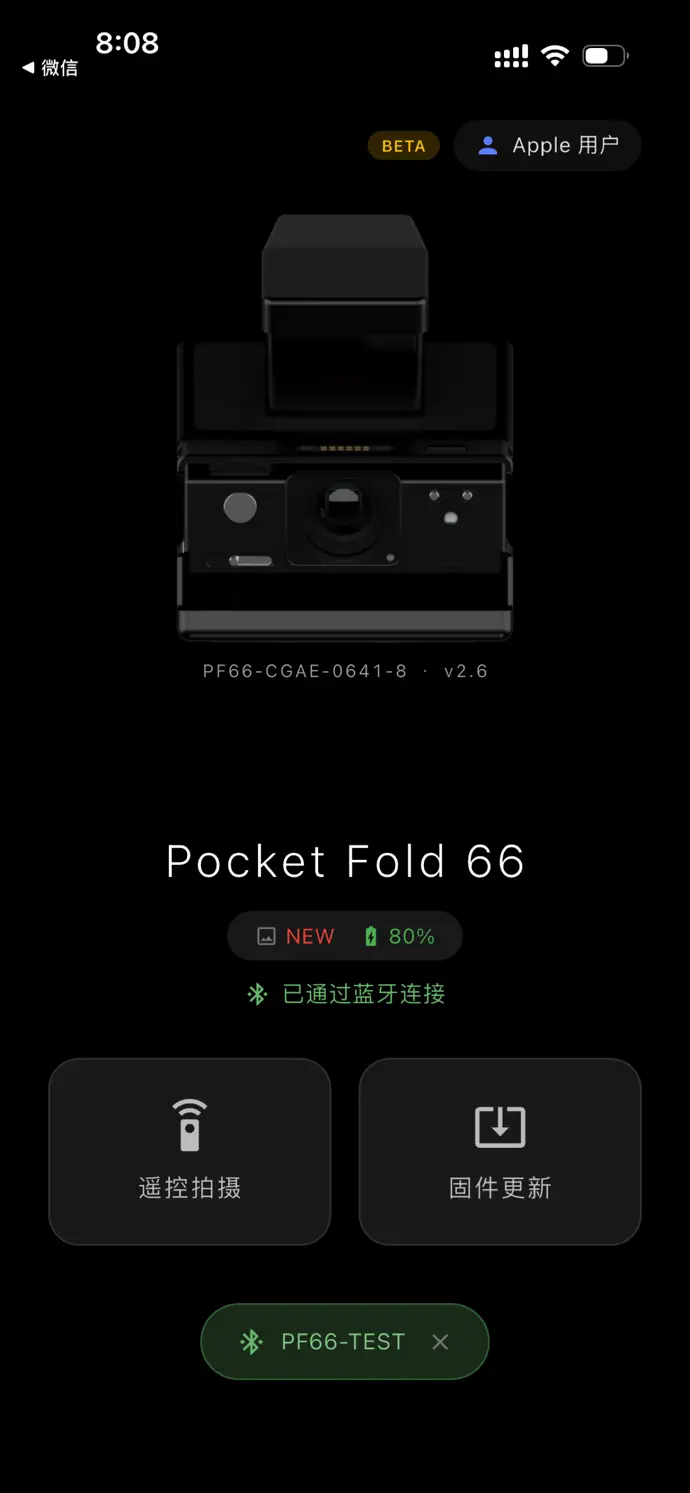
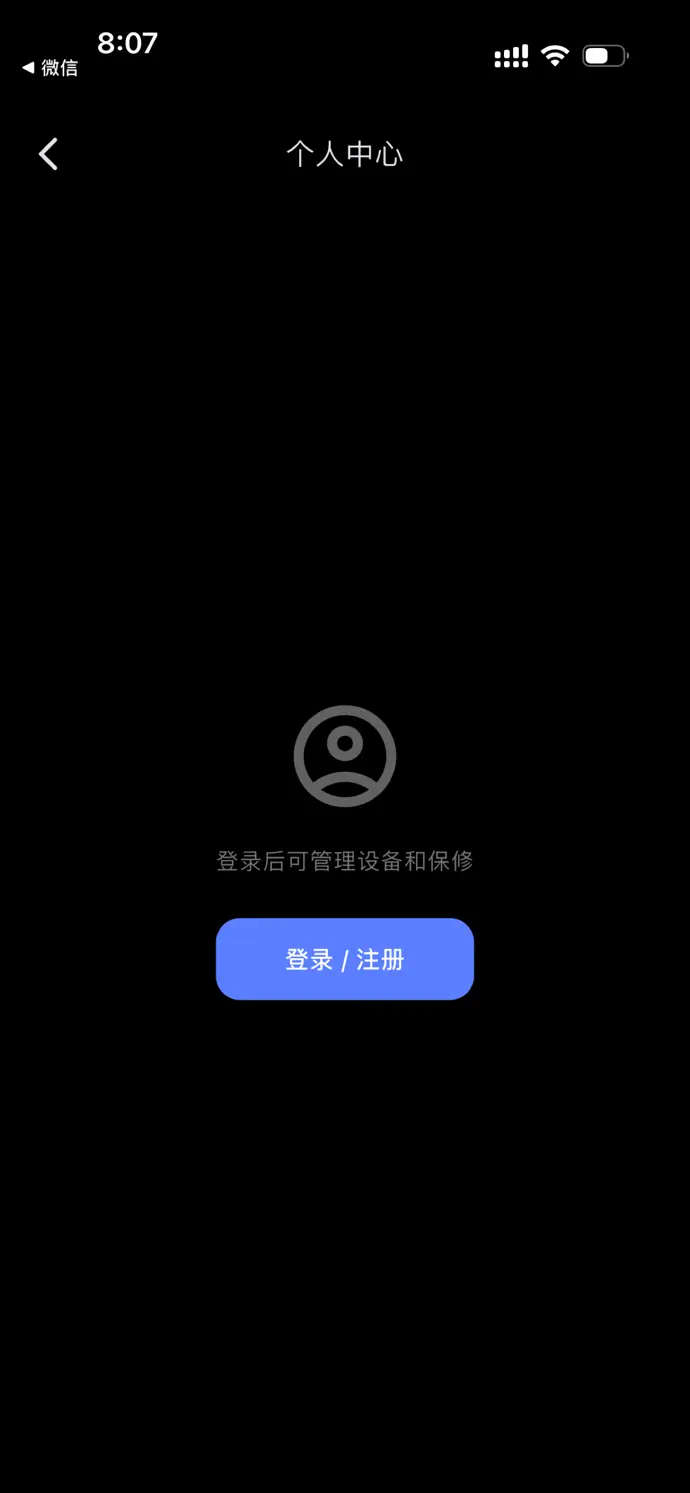
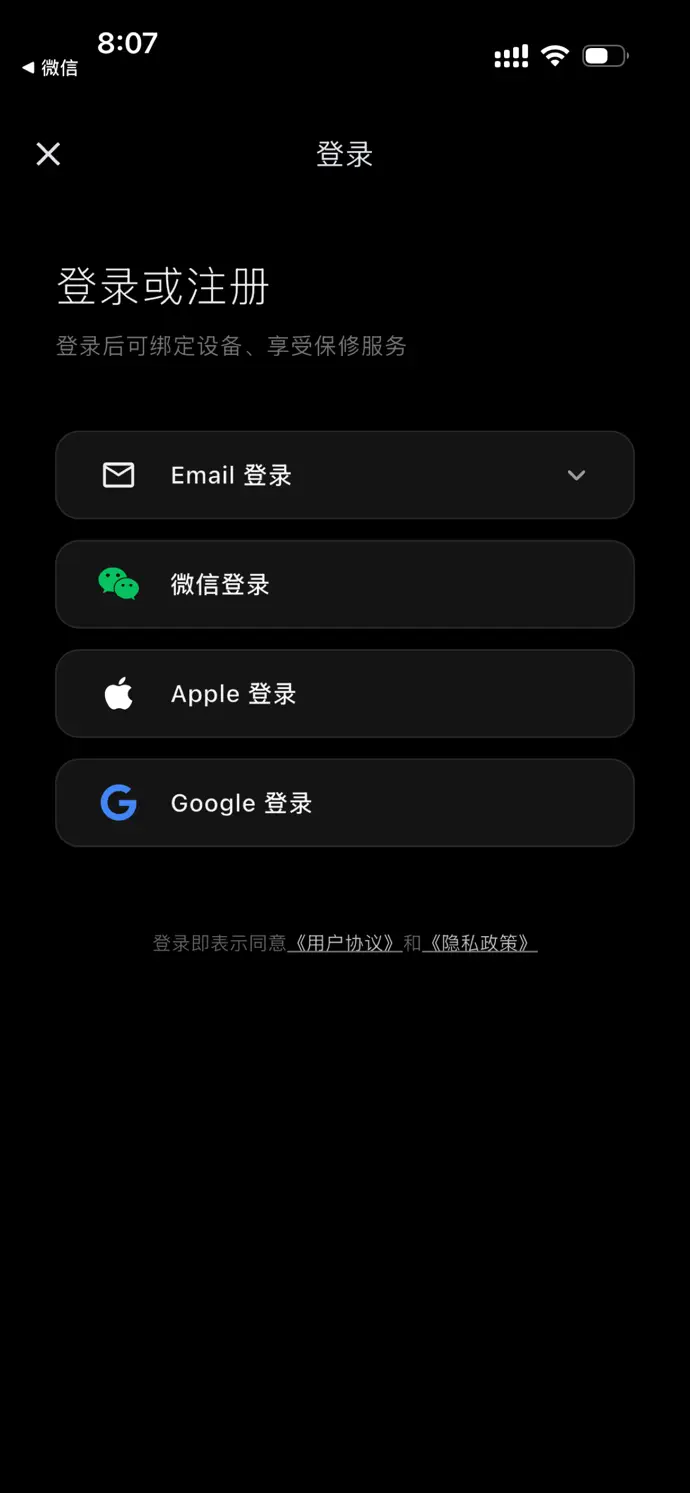
Swipe to browse, or select a screenshot to enlarge it. Device details and interface appearance reflect the version shown.
06 · GET STARTED
Get ready. Get connected.
Prepare your camera, connect it in the app, and move into remote shooting.
Prepare the camera
Turn on your Pocket Fold 66 and prepare the expansion module required for Bluetooth control.
Connect in the app
Enable Bluetooth, grant the required permissions, and choose your camera in the app.
Take control
Once connected, check the camera status, choose automatic or manual mode, and start shooting.
iPhone / iPad: iOS 13.0 or later
Android: 7.0 or later
Bluetooth and compatible camera hardware required
How do Bluetooth connection and account binding differ?
Bluetooth handles control and live status readings between the phone and camera. Binding links a camera to your account for device details, warranty and support information.
Which features need an internet connection?
Account sign-in, cloud device-data sync, tickets and firmware downloads need a network connection. Remote camera control uses the Bluetooth connection between your phone and camera.
How do I recover my device information on a new phone?
Install the app and sign in to the same account to view your bound devices. Connect to the camera over Bluetooth again when you want to use remote control.
Can I use the app without a camera?
PF66 Remote is the companion app for Pocket Fold 66. Remote control, camera metering readings and camera firmware updates require the compatible camera and any required expansion module.
PF66 REMOTE
Put PF66 Remote in your pocket.
Choose your platform and get ready for the next photograph.
The Android APK is provided by the 10ARTCC website. Check the system requirements before downloading.
